Published August 8, 2026 in AI Trends·10 min read
Best Replit alternatives for building full-stack apps in 2026
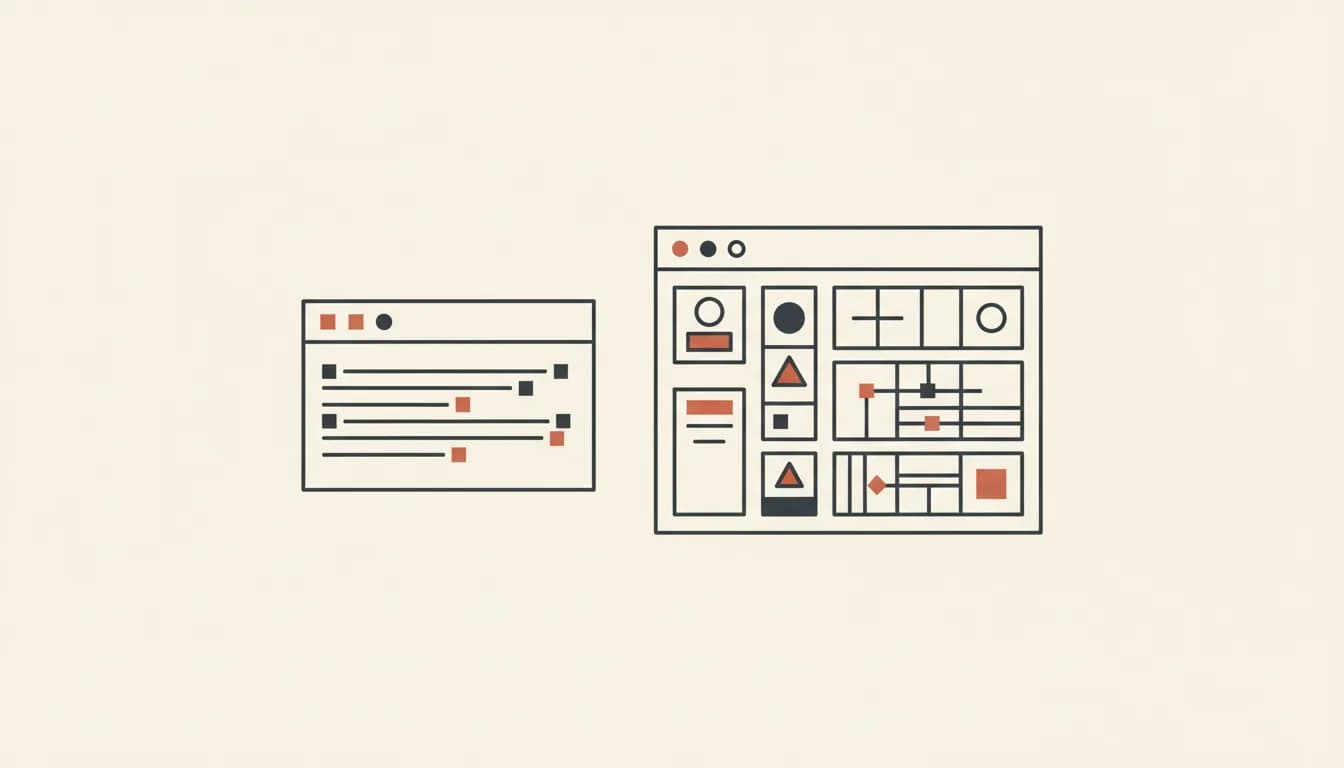
Replit is a great IDE. But if your goal is to build and ship a real app as fast as possible, there are purpose-built alternatives that get you there faster.
Replit has been one of the defining developer tools of the last few years. It put a browser-based IDE in every developer's pocket and, more recently, added Replit Agent to generate and modify code through conversation. So what are people looking for when they search for "Replit alternatives" in 2026?
The answer tends to fall into two camps:
- Developers who want a better cloud IDE experience
- Builders who want to go from idea to shipped app without an IDE at all
This article is mostly about the second group — and why tools like Vibely have pulled a significant number of Replit users who want to build products rather than write code in the cloud.
The fundamental difference: IDE vs. AI-first builder
Replit's core product is a code editor that runs in the browser. AI was layered on top — first as a code completion tool, then as an Agent that can write and modify files. This is a genuinely useful workflow for developers who think primarily in code.
Vibely is built the other way around. The unit of interaction is a conversation, not a file. You describe what you want, and the system generates an entire application — UI, database schema, auth, API routes — without you writing a single line. The files are there if you want them, but they are not the primary interface.
This difference matters enormously for non-technical founders, designers, and product managers who want to build real software but do not want to learn how to navigate a codebase.
Replit vs. Vibely: a direct comparison
Setup and environment
Replit: You choose a language and template, wait for the Nix environment to initialize, and then start editing. Replit Agent can help scaffold from here, but you are still in a code editor at heart.
Vibely: You type a description of your app. Vibely spins up a pre-configured sandbox, generates the full application, and serves a live preview URL — all before you finish your second coffee.
Backend and database
Replit: Setting up a database means choosing one, configuring the connection, writing migrations. Replit has a built-in database but it is not automatically integrated into the AI's generation pipeline.
Vibely: Supabase is wired up in every Vibely project. The schema, the access policies, and the data-fetching code are generated based on what your app needs. You do not configure it — it is already there.
Mobile apps
Replit: Limited native mobile support. You can build mobile-friendly web apps, but shipping a React Native app is not a native Replit workflow.
Vibely: Mobile is a first-class app type in Vibely. Describe a mobile app and you get React Native + Expo output, complete with App Store deployment support on paid plans.
Deployment
Replit: Replit Deployments exist and are improving, but the experience is more manual than generation-first tools.
Vibely: One-click deploy from within the workspace. Custom domains, rollbacks, and environment variables included.
When Replit is the right choice
Replit remains the best option if you:
- Are learning to code and want an accessible cloud editor
- Need to run arbitrary scripts or data pipelines
- Prefer working directly in files and prefer AI as a coding assistant
- Are building something that does not fit the standard app generation mold
When Vibely is the right choice
Vibely is the better option if you:
- Want to ship a product, not just write code
- Need a full-stack app (frontend + backend + deploy) from a single prompt
- Are building a web app, mobile app, or both
- Want a live URL to share with stakeholders within minutes
- Are not a developer and need a tool that does not require thinking in files
Other Replit alternatives worth knowing
Beyond Vibely, the other notable names in this space are Lovable (strong on UI generation), Bolt.new (fast frontend output), and Emergent (growing community). Each has specific strengths — the comparison pages on this site break down each head-to-head if you want a deeper look.
The right choice depends on whether you want an IDE with AI features, or an AI-first product builder. If it is the latter, start with Vibely for free and see what one conversation can produce.
Build it with Vibely
Describe what you want. Watch a working preview appear in seconds.
Start a project →