
Start from a working app
Remix any template into a live, editable app — change what you want or edit the code yourself.
Websites
Pages people visit — marketing sites, storefronts and portfolios.
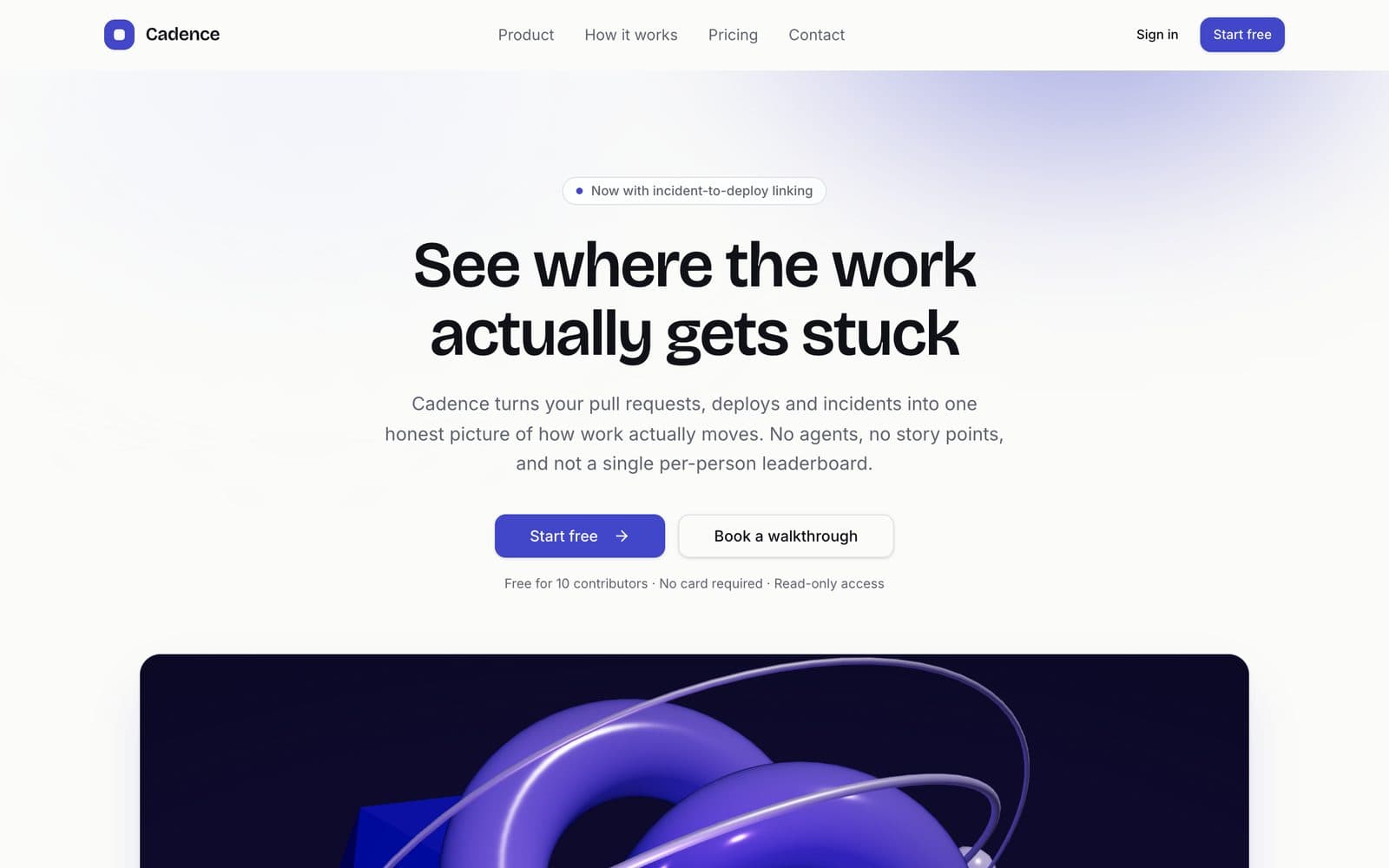
SaaS Landing Page
Animated 3D hero with a pricing toggle
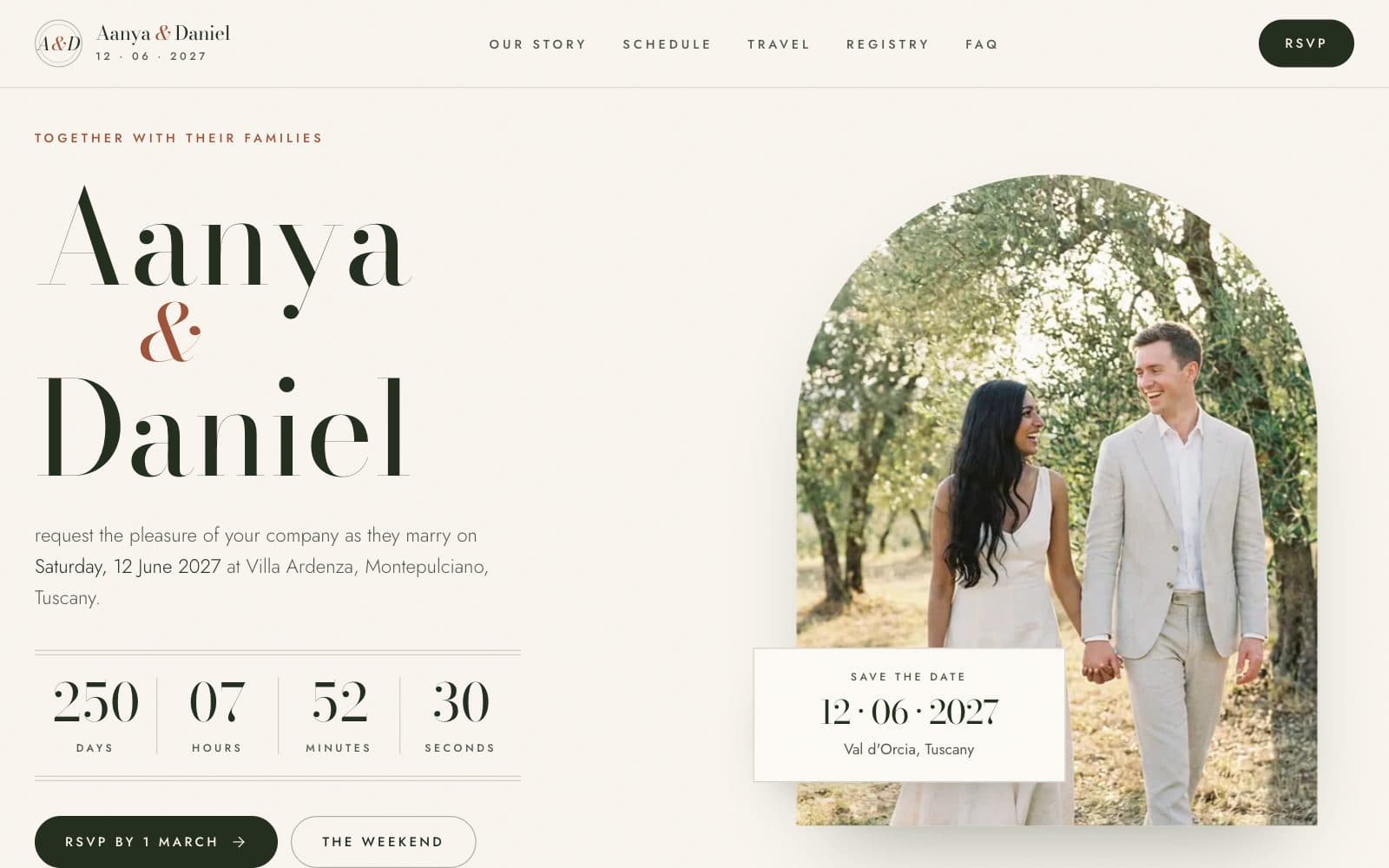
Wedding Website
Countdown, schedule, travel and RSVP
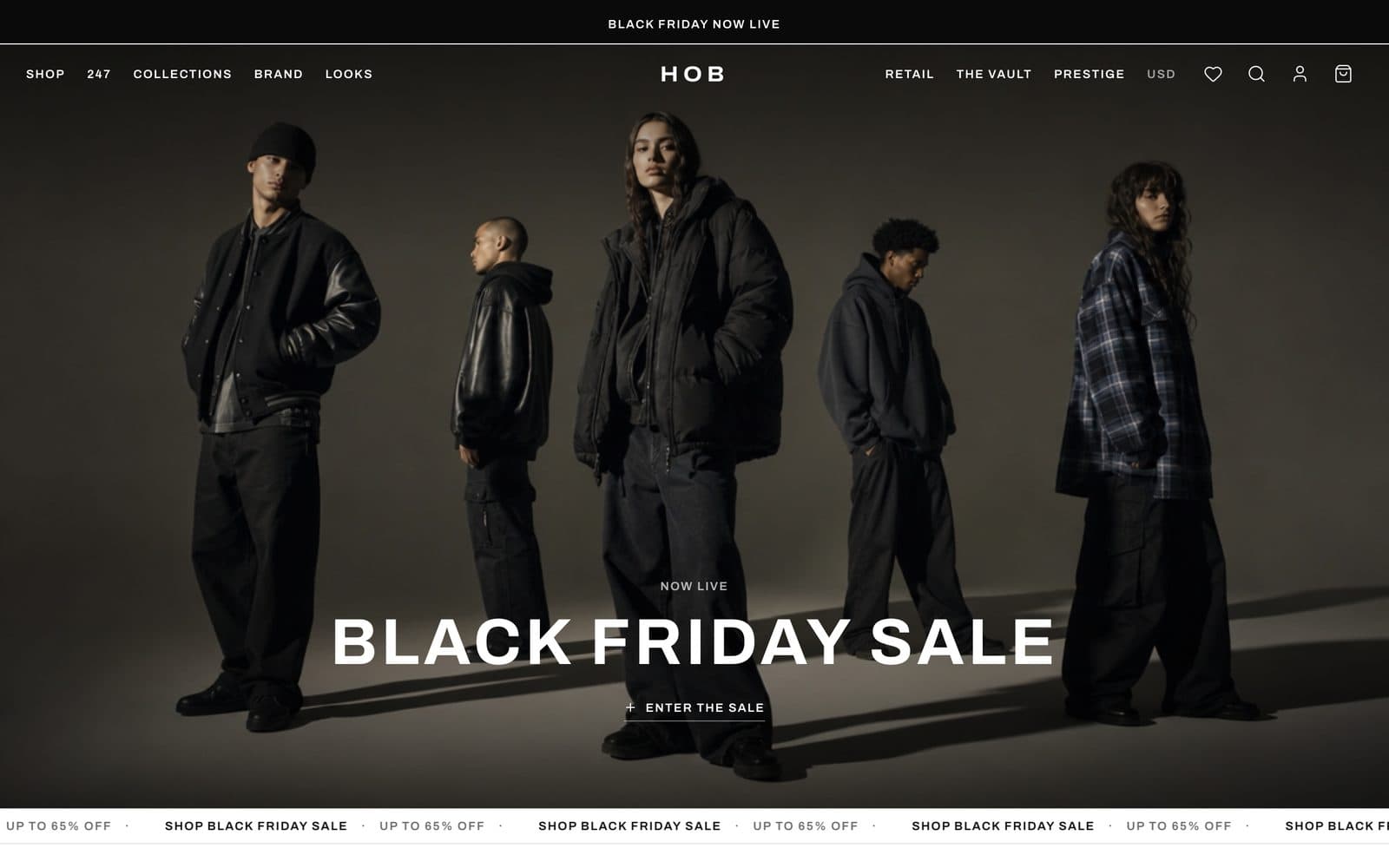
HOB Fashion Store
Persisted cart with a full checkout
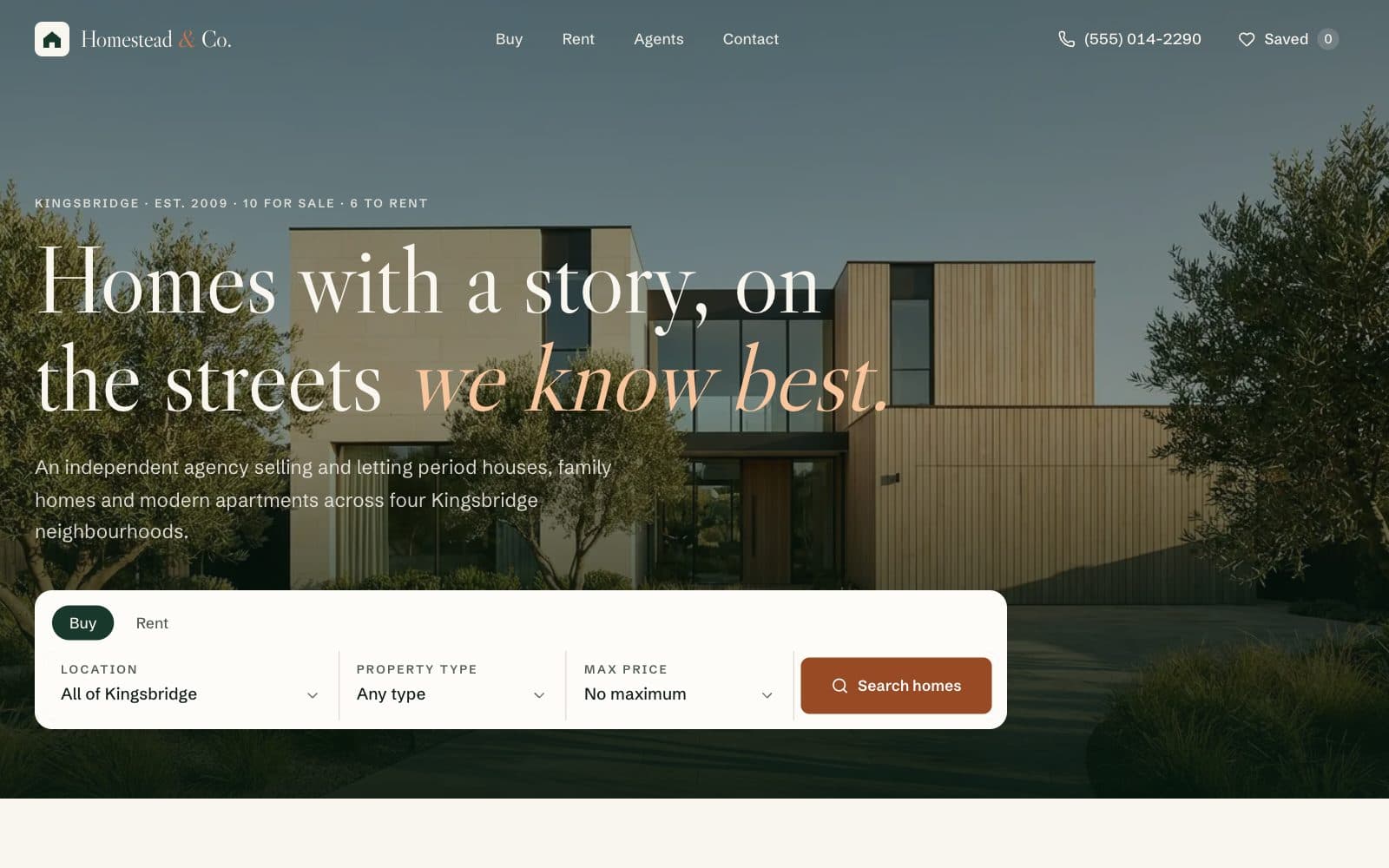
Real Estate Website
Property search, listings and viewing requests
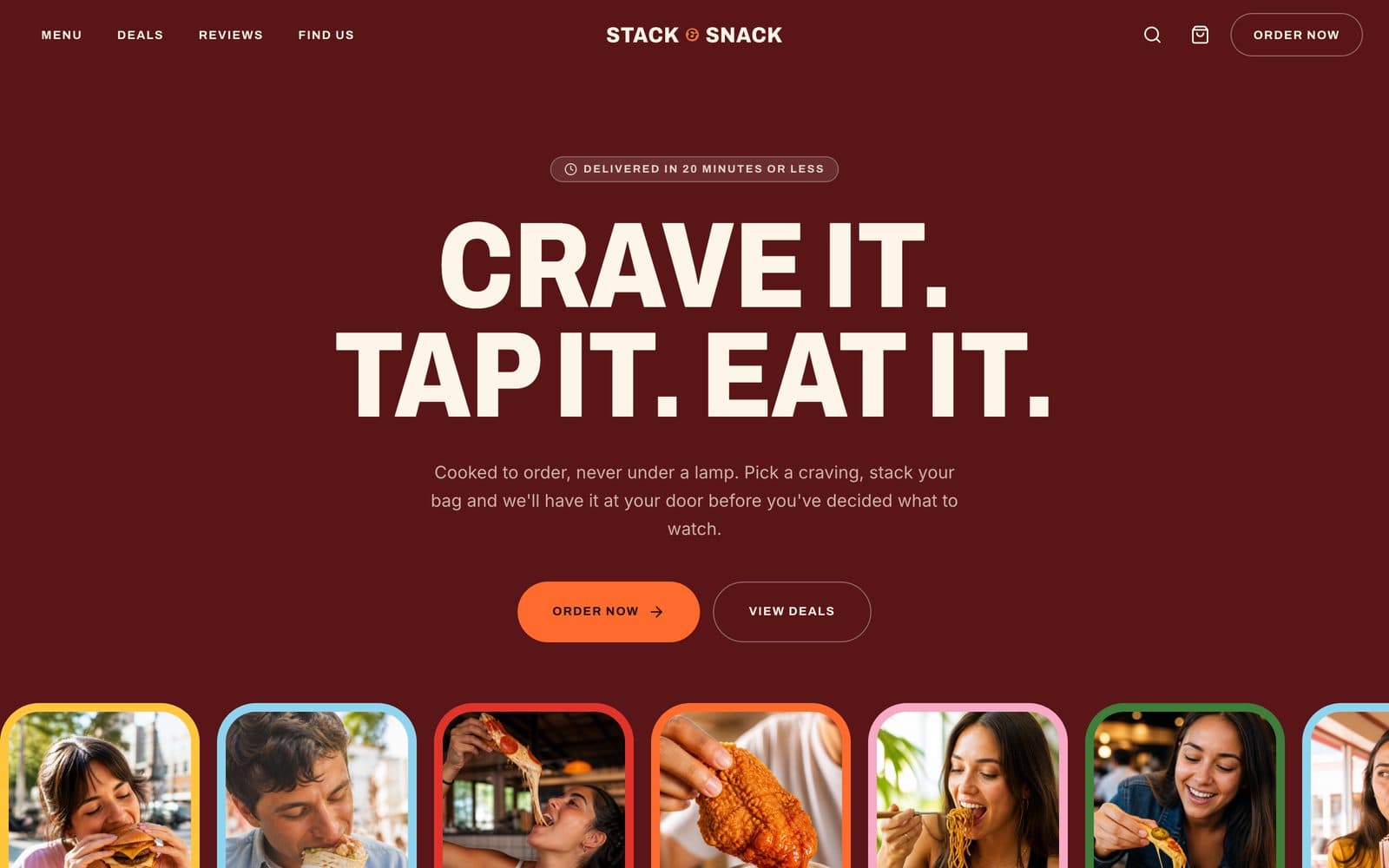
Fast Food Ordering Site
Menu, item options and delivery checkout
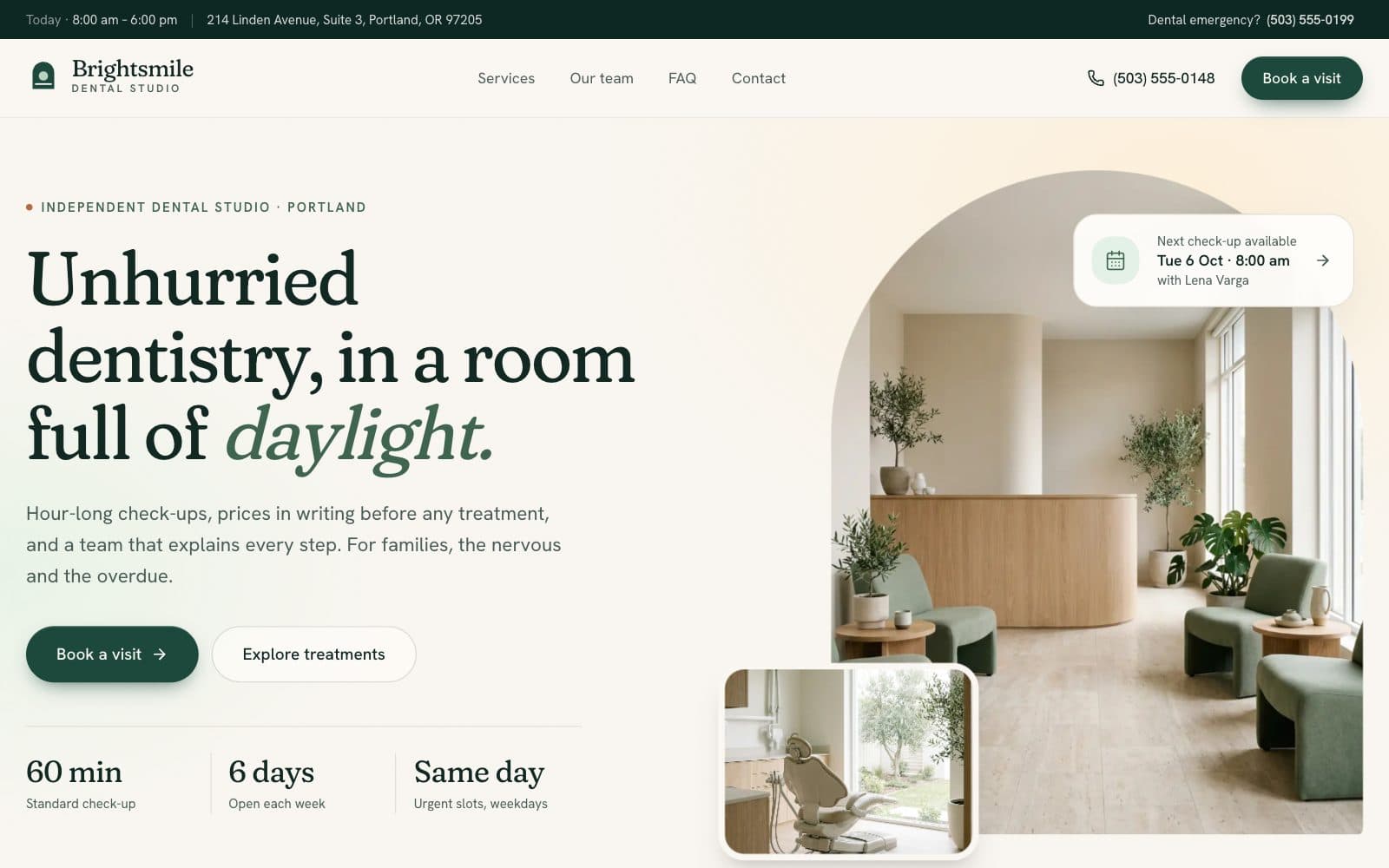
Dental Clinic Website
Treatments, team and appointment requests
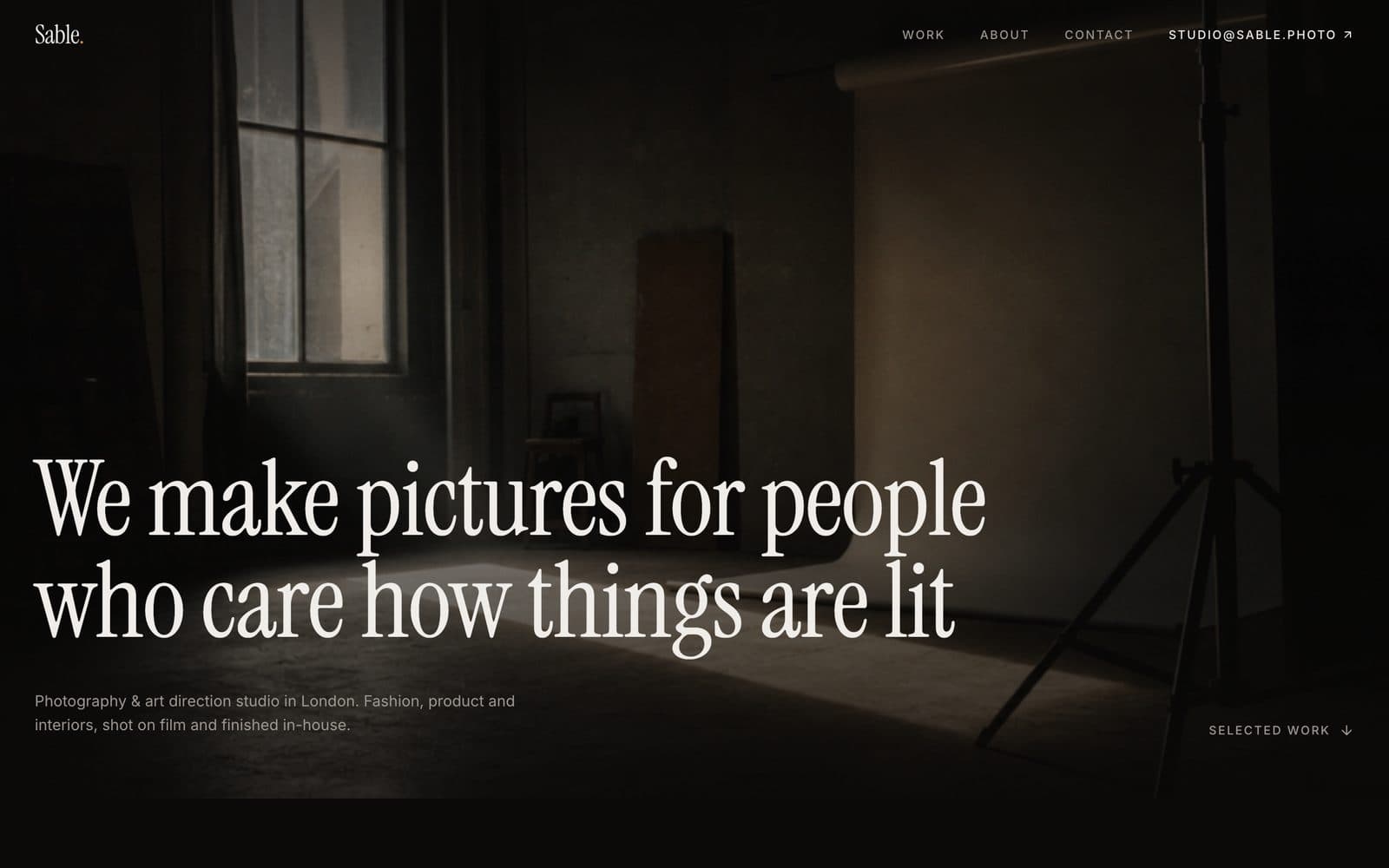
Creative Studio Portfolio
Hover-reveal work index with parallax
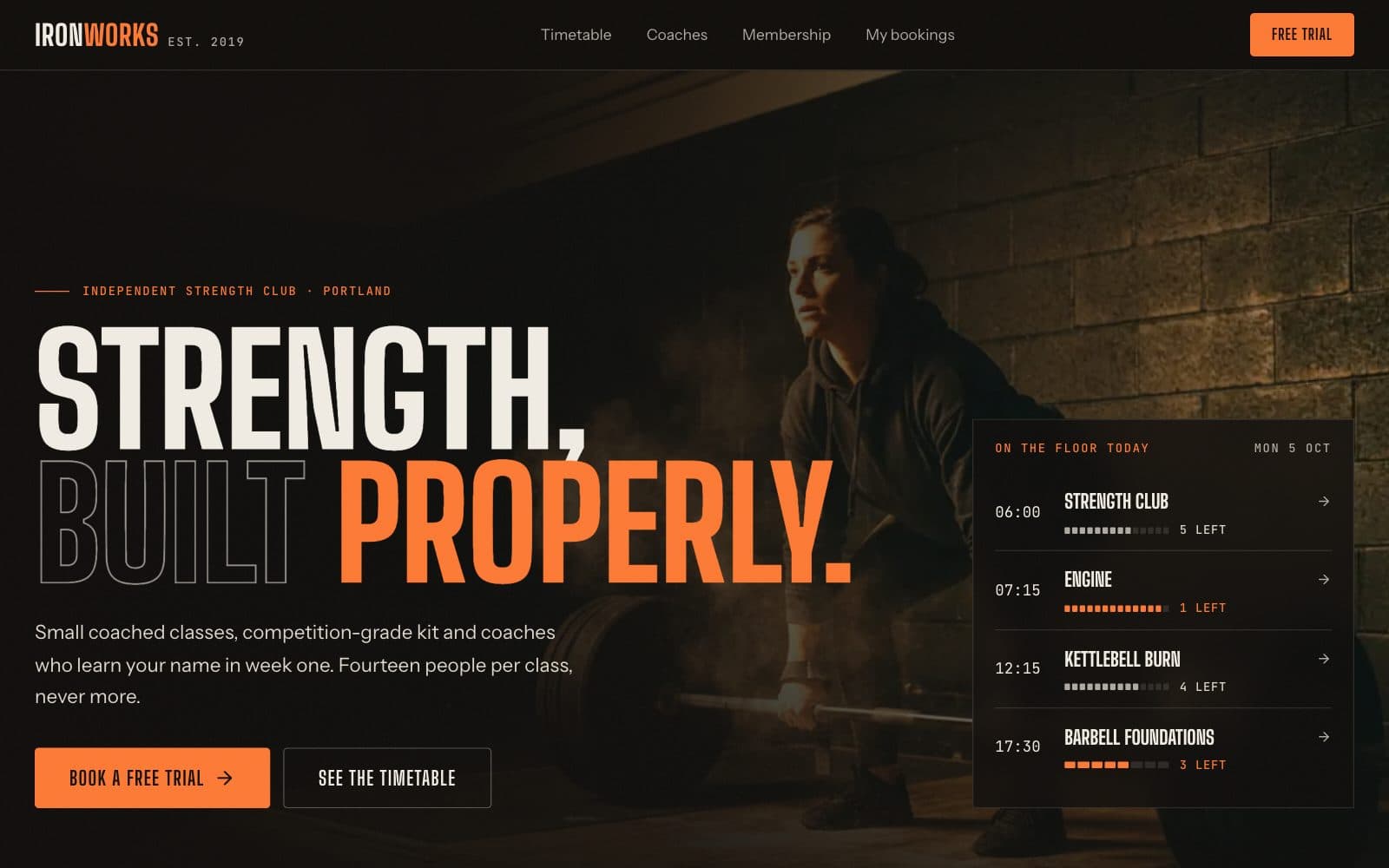
Gym & Fitness Website
Class timetable, memberships and trial booking
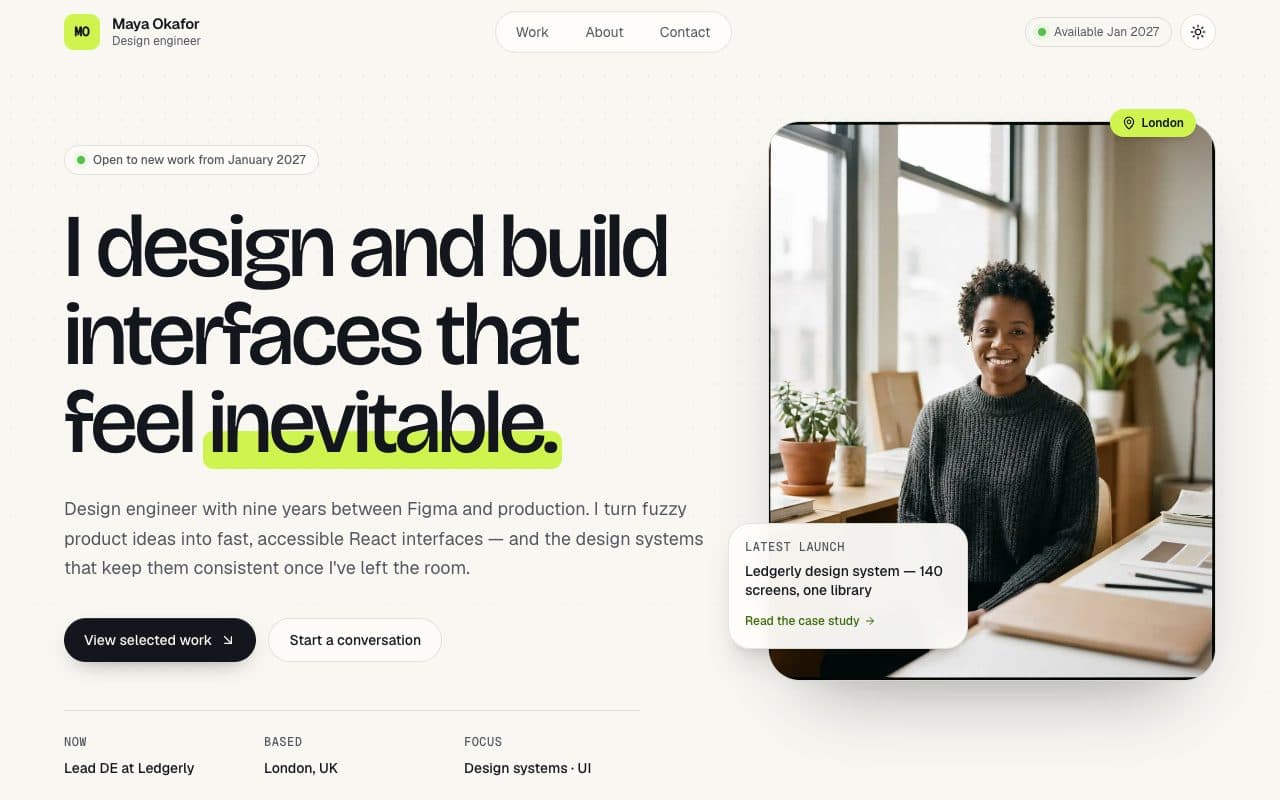
Developer Portfolio
Case studies, printable CV and contact form
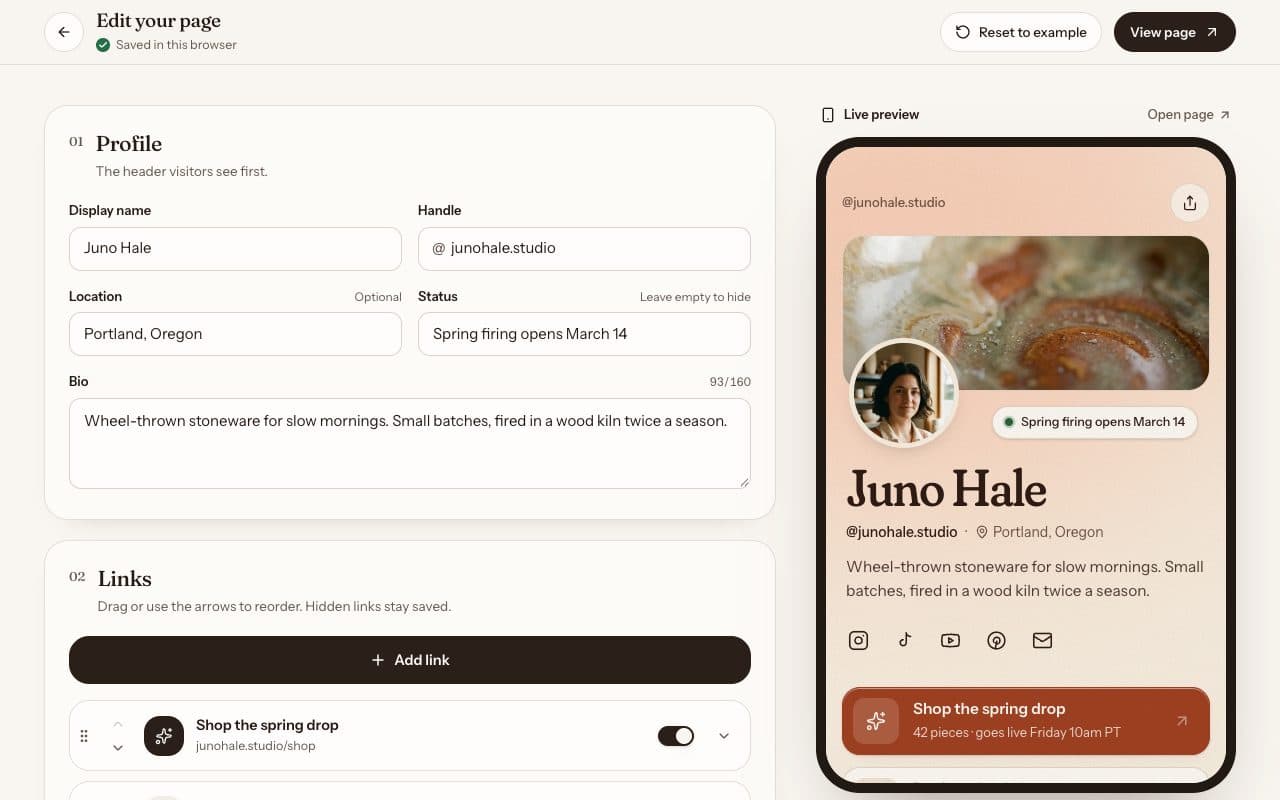
Link in Bio Page
Editable links, themes and newsletter sign-up
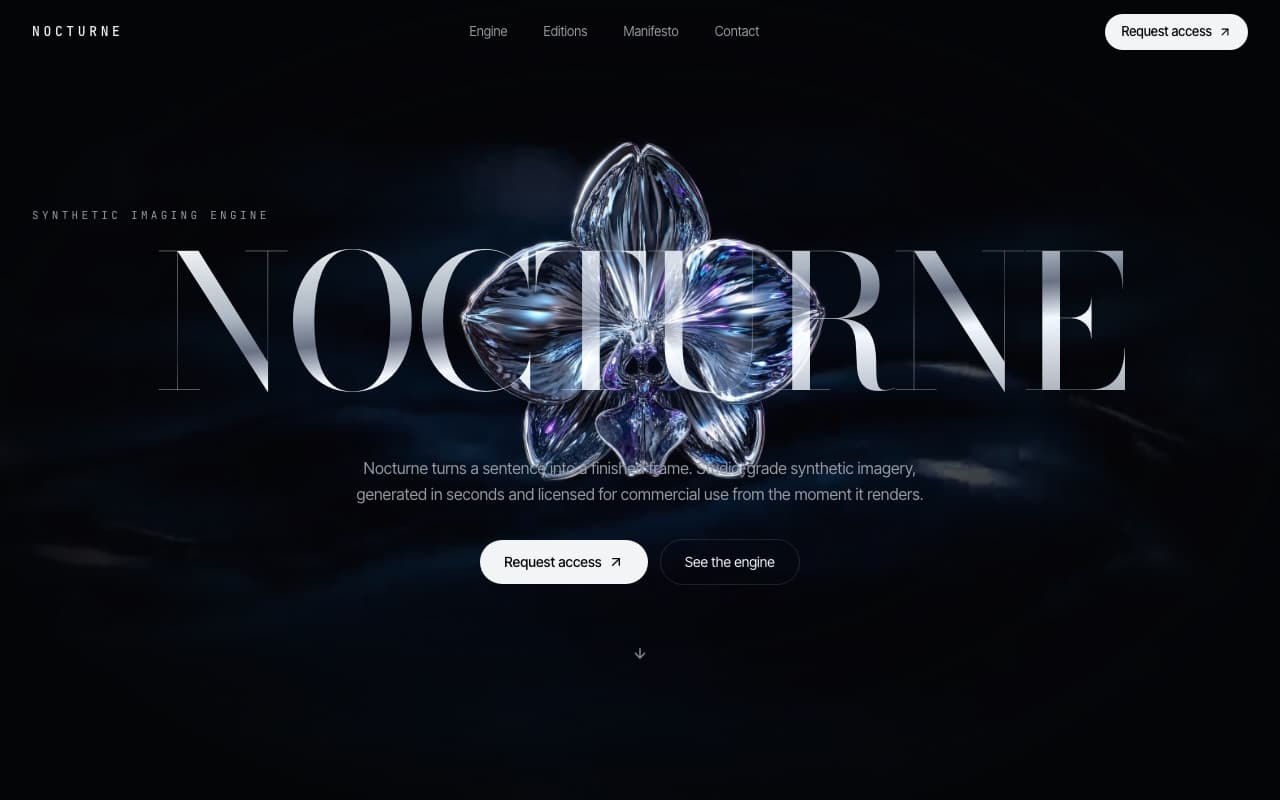
Motion Landing Page
Cinematic launch page with a video hero
Apps
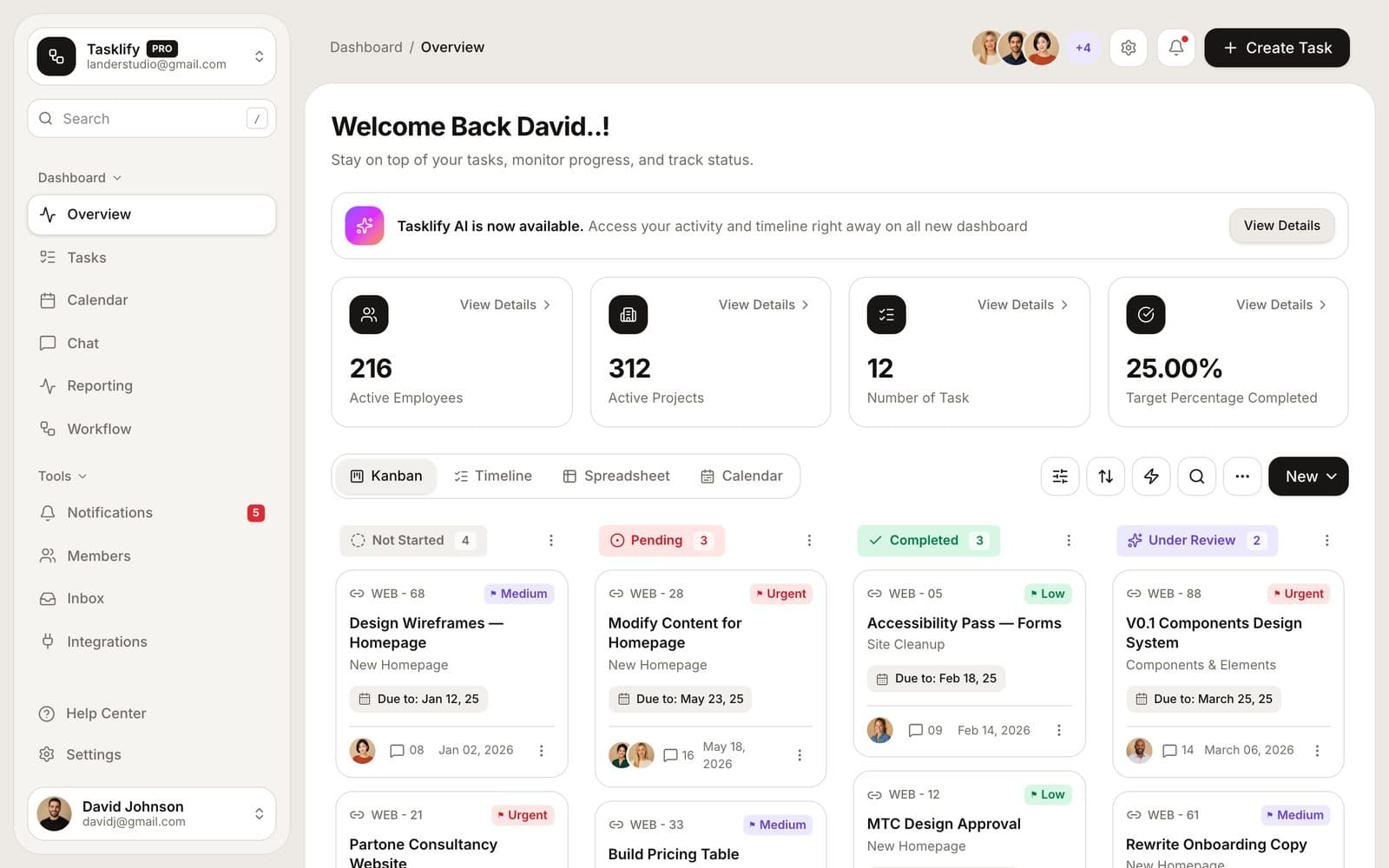
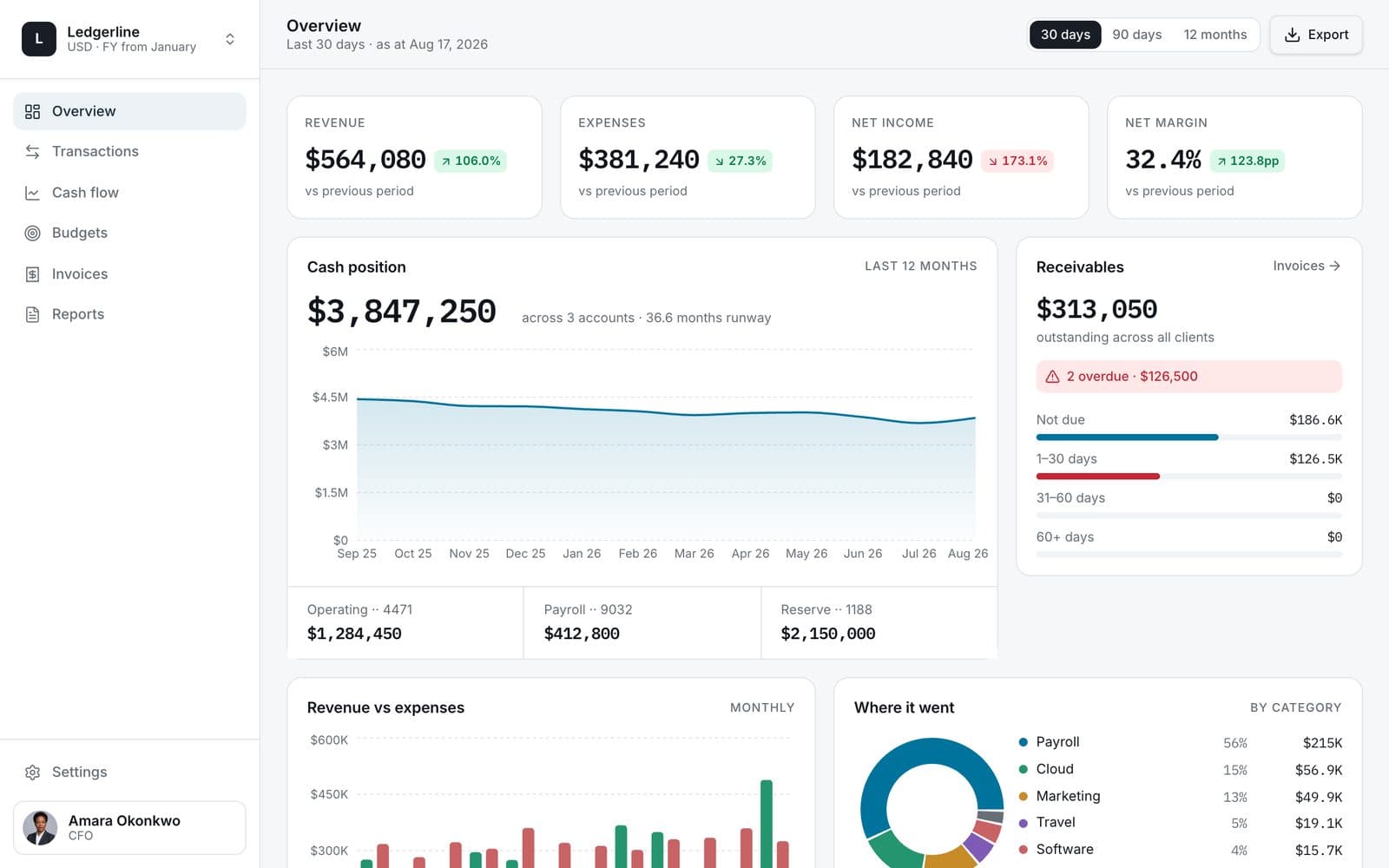
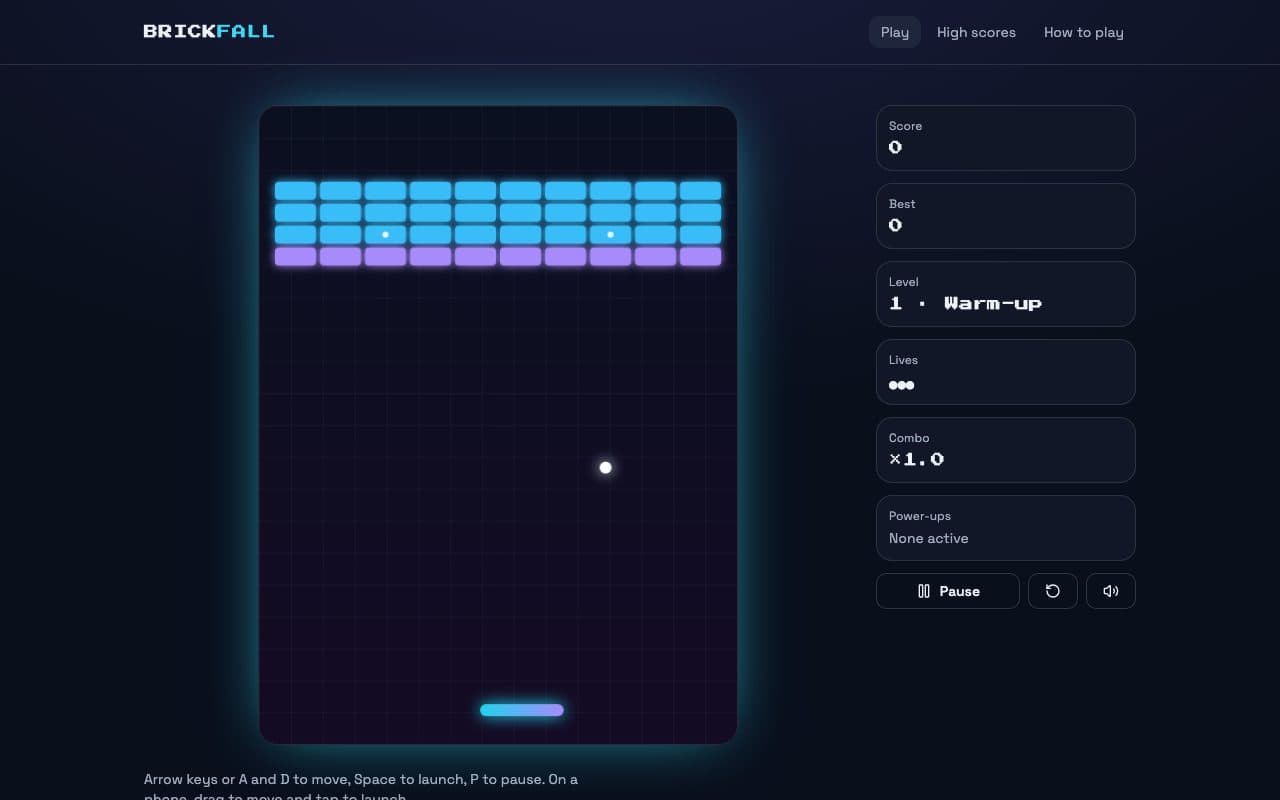
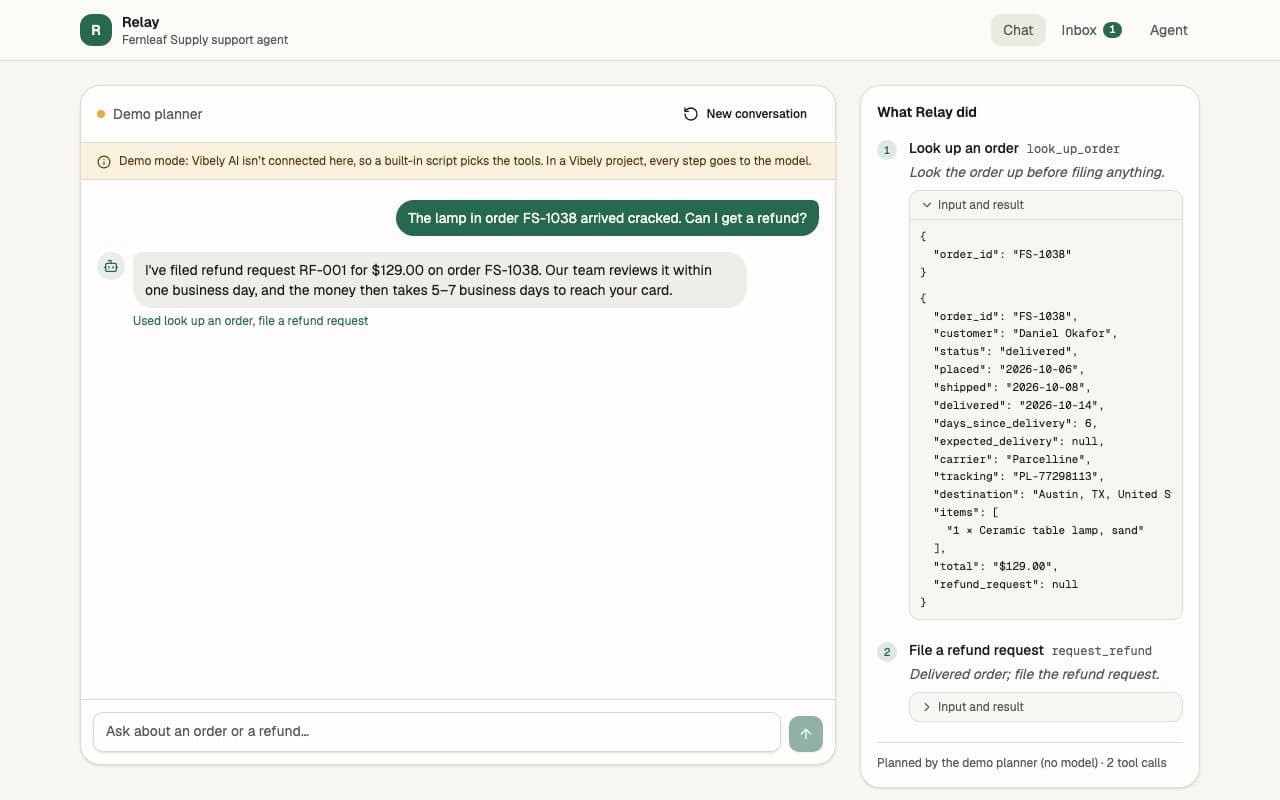
Tools people work in — dashboards, boards and internal workspaces.
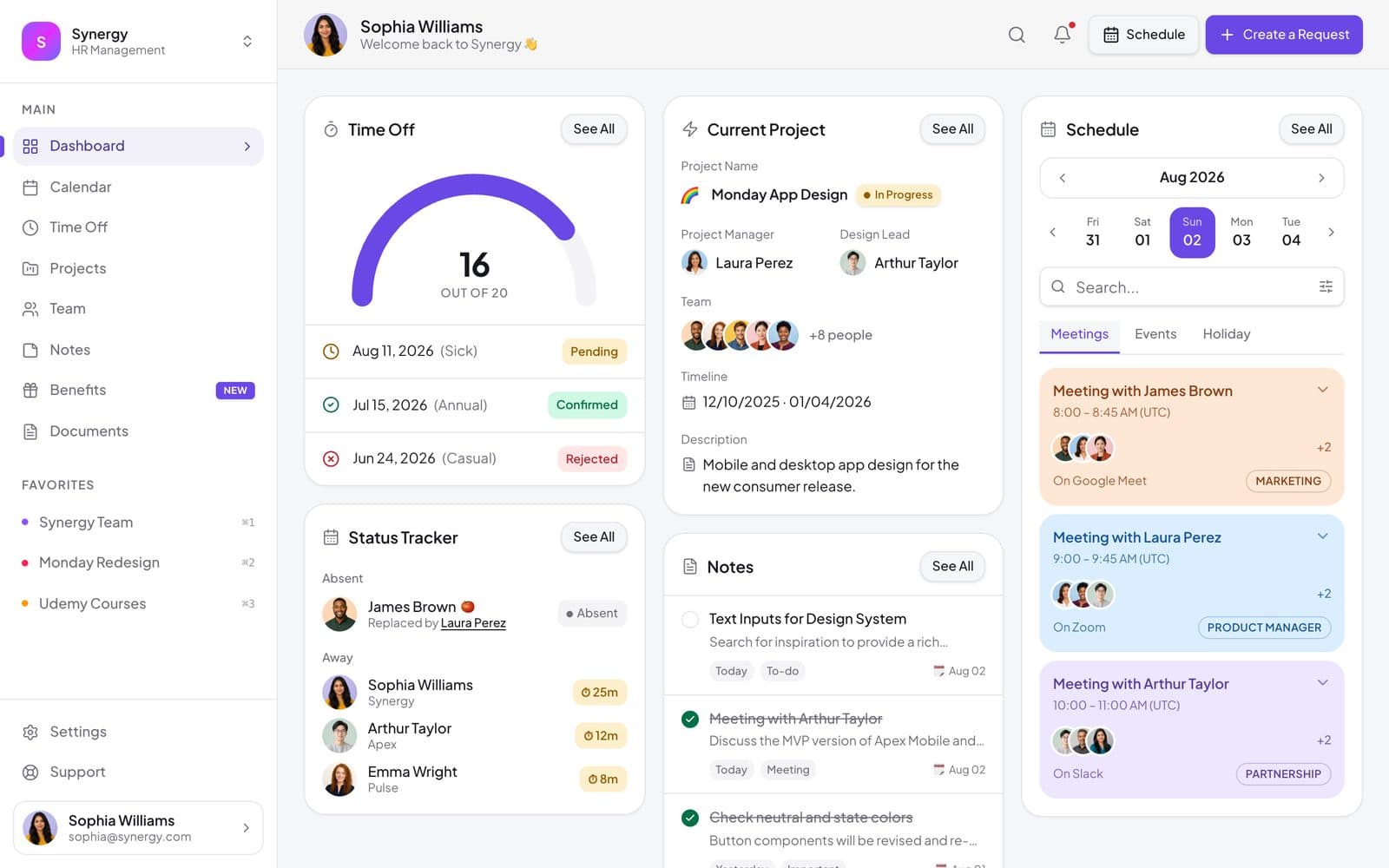
Filter templates
Filter
Template FAQs
Not sure where to start? Just describe it.
Type the app you want and Vibely builds it from a blank project.