
Figma to app Turn a design into a real product
Bring a Figma frame, a screenshot or a written art direction, and Vibely carries that visual direction into a responsive, interactive product you can ship.
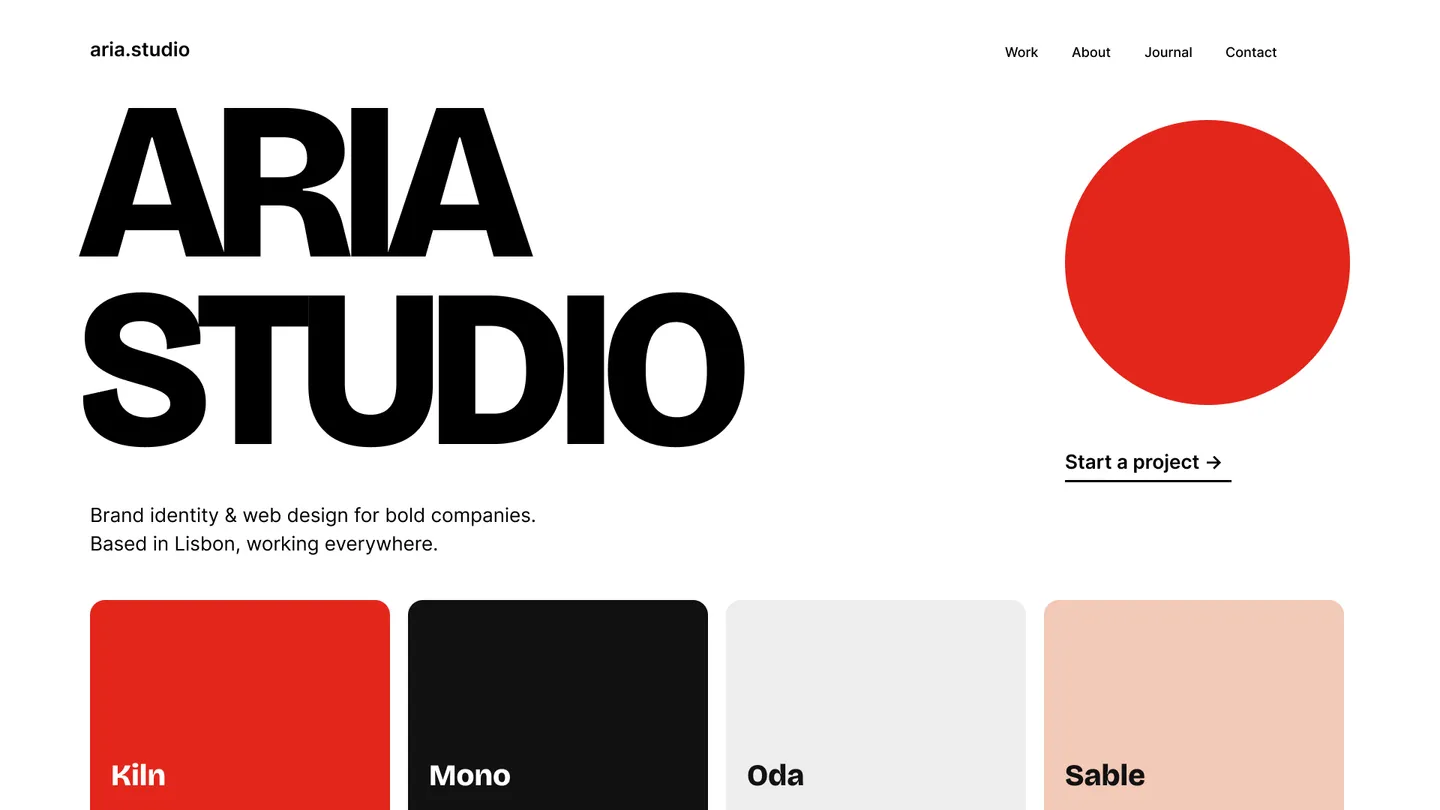
Import a Figma frame straight from the composer, or drop in a screenshot.
Connect FigmaTurn design intent into working software
Prompt
Build this landing page from the Figma frame. Keep the type scale and spacing, and make it responsive.
Reference
Figma · Studio site / Home
Start from a Figma file or a screenshot
Point Vibely at a Figma frame, a screenshot, or a written art direction to establish the look and feel of the product.
Example prompt: “Build this landing page from the Figma frame. Keep the type scale and spacing, and make it responsive.”
Prompt
Point at the booking list and add its loading, empty and error states, then check it at phone width.
Reference
Visual edit · Booking list
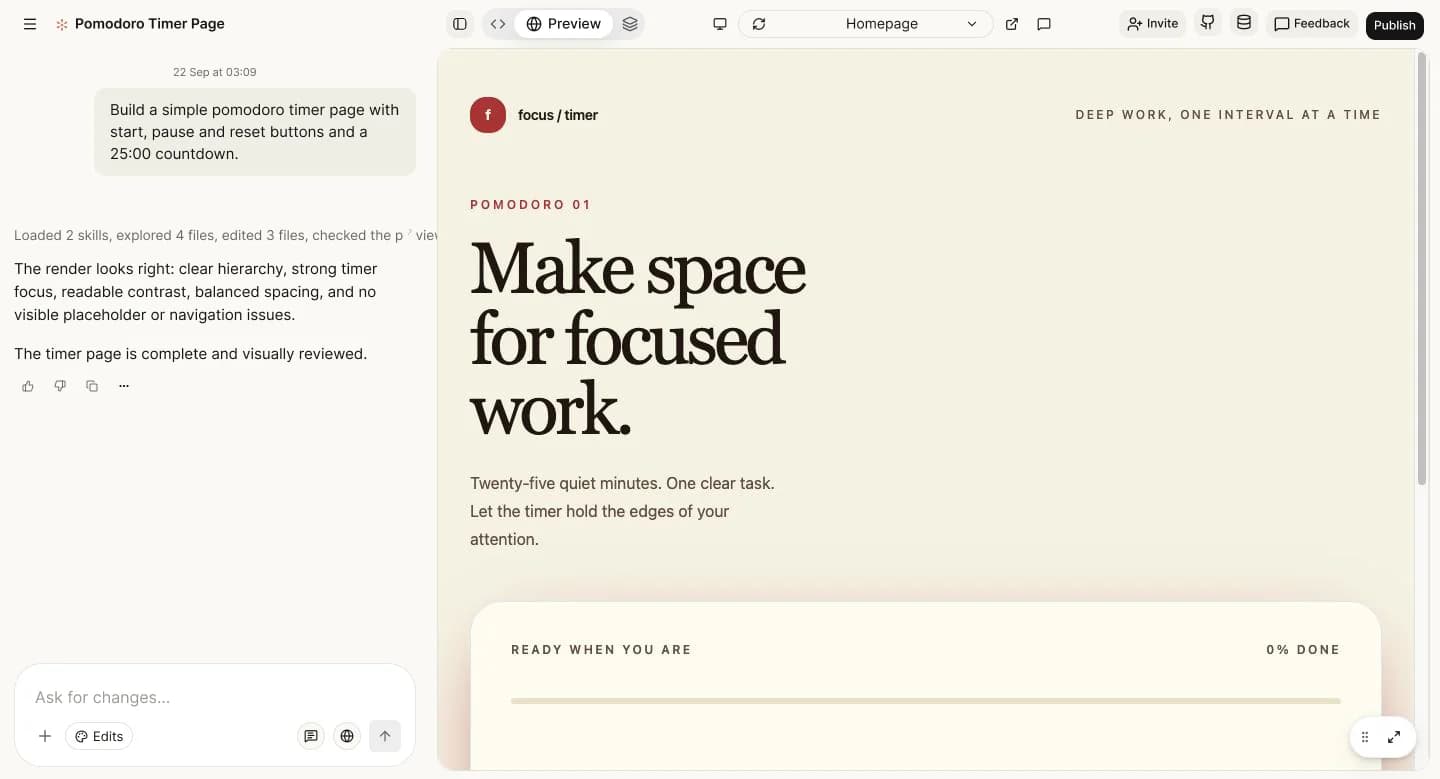
Design every state
Explore responsive behavior, loading, errors, empty states, and real interactions inside the product itself.
Example prompt: “Point at the booking list and add its loading, empty and error states, then check it at phone width.”
Prompt
Sync this project to our GitHub repository so engineering can review the code.
Reference
GitHub · atelier-site (main)
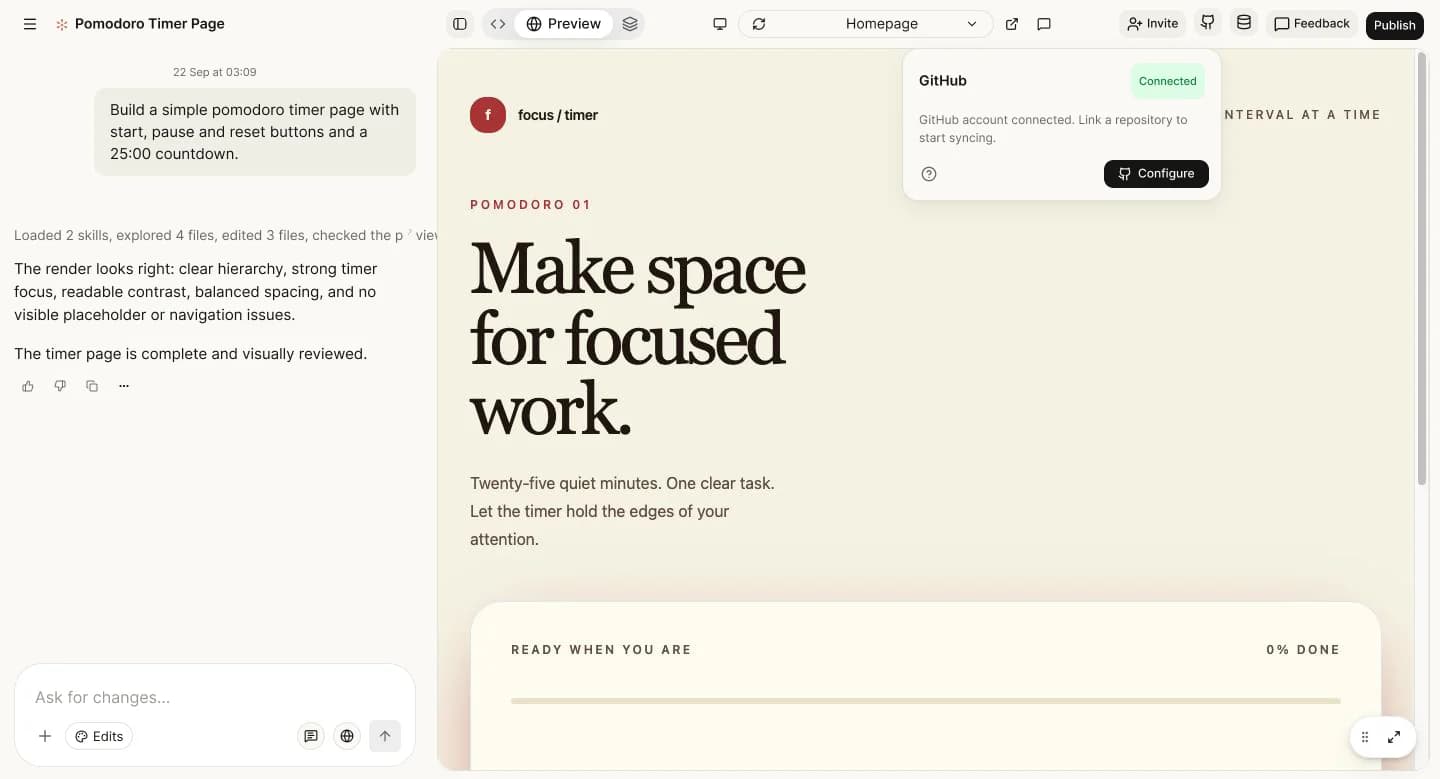
Hand off working code
Give engineering an inspectable, editable implementation instead of leaving behavior open to interpretation.
Example prompt: “Sync this project to our GitHub repository so engineering can review the code.”
How it works
- 01
Start from a Figma file or a screenshot
Point Vibely at a Figma frame, a screenshot, or a written art direction to establish the look and feel of the product.Set up the Figma connector - 02
Design every state
Explore responsive behavior, loading, errors, empty states, and real interactions inside the product itself.Change it by pointing with visual edits - 03
Hand off working code
Give engineering an inspectable, editable implementation instead of leaving behavior open to interpretation.How designers use Vibely
A closer connection between design and product
Create high-fidelity interactive prototypes
Test responsive behavior early
Build design-system-based experiences
Reduce ambiguity in engineering handoff
FAQs
Make the design feel real
Bring a reference, a system, or a fresh idea and build the working experience.