
The AI app builder for web and mobile apps
Describe the app in plain words. Vibely writes the code, sets up the database and sign-in, checks that it builds, and publishes it to a live URL.
Free plan, no credit card needed.
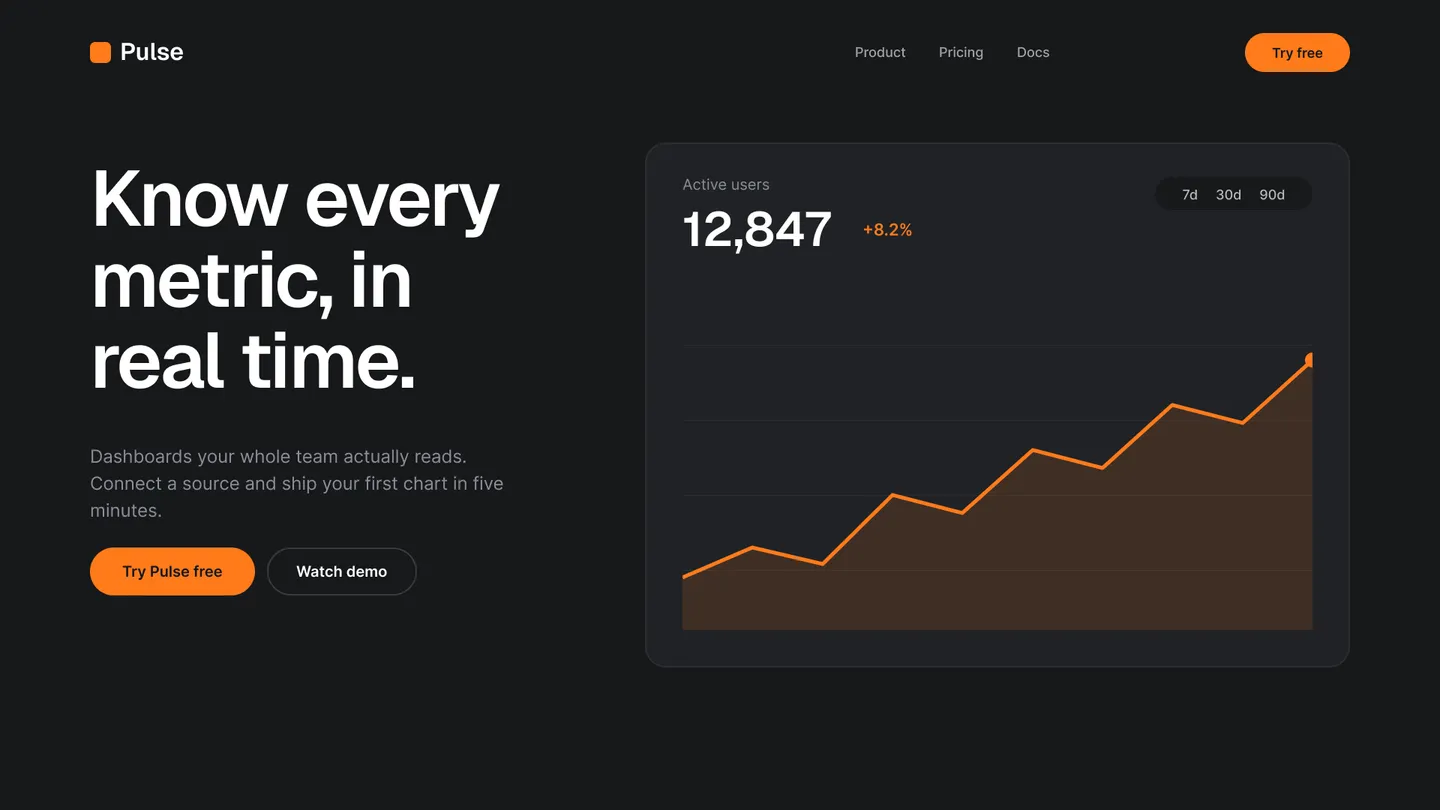
Vibely is an AI app builder: you describe a web app or a native iOS and Android app in plain words, and it writes the React and TypeScript code, sets up a Supabase database and sign-in, and publishes the app to a live URL. The Free plan needs no credit card, and the code is yours to keep.
What you can build with it
Each of these has a worked build: the prompt that starts it, the screens and data it gets, and what to ask for next.
- Web app
A SaaS MVP people can sign up for
Accounts, a Postgres database and a live URL, so the first version is in front of real users in days rather than a quarter.
- Web app
The internal tool your team keeps asking for
Dashboards, admin panels and workflow apps with a real database, roles and a live URL — instead of another shared spreadsheet.
- Web app
A CRM that matches how you actually sell
Contacts, pipeline stages and notes shaped around your process instead of a vendor’s — with real auth and a database behind it.
- Web app
A client portal with your name on it
One login per client for projects, files, updates and approvals — instead of a folder of links and a long email thread.
- Web app
A two-sided marketplace
Listings, search, profiles and checkout — the whole loop from posting something to paying for it.
- Web app
A booking and scheduling system
Availability, a booking form, confirmations and an owner view — for a studio, a clinic, a class or a service.
- iOS and Android
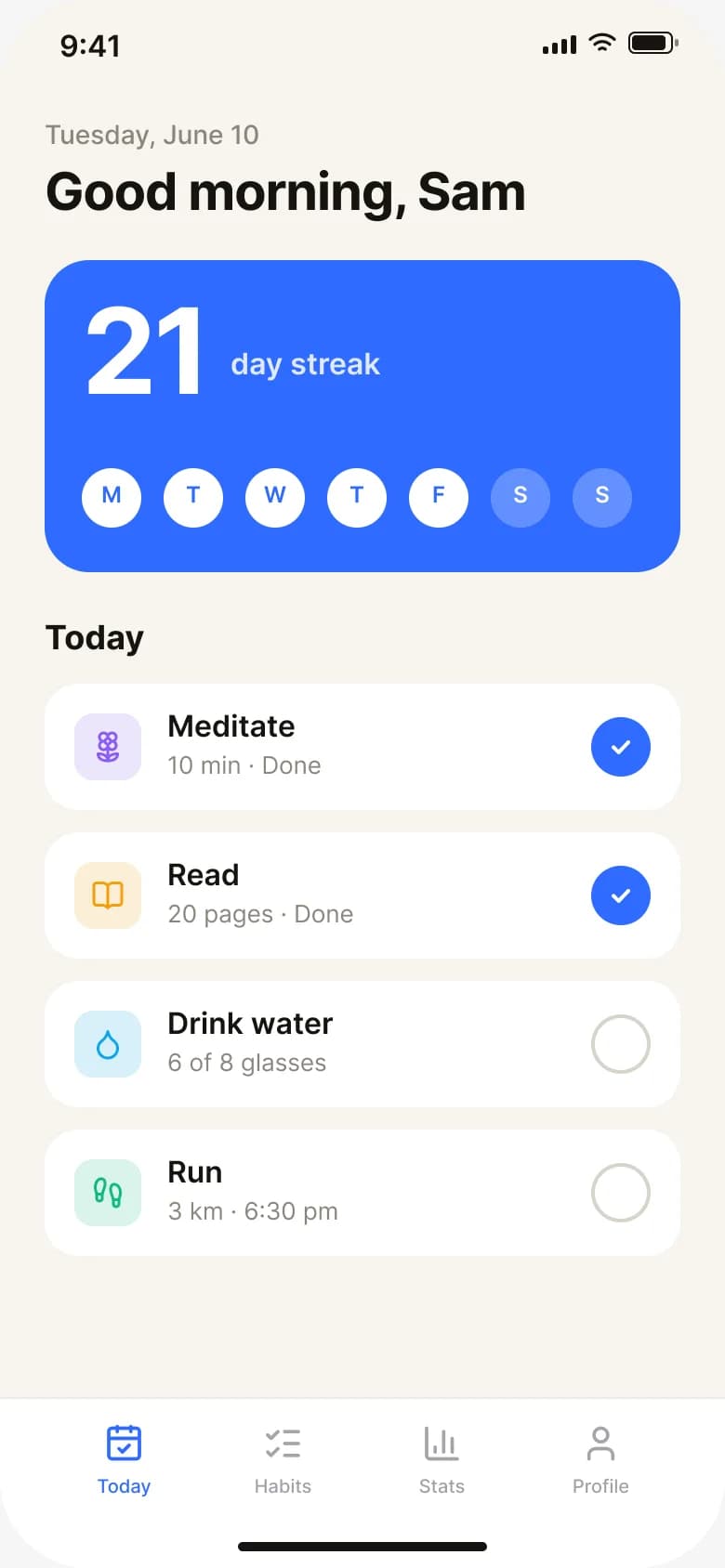
A habit tracker for iOS and Android
Streaks, a daily check-in and reminders — a real native app on your phone, not a website with an icon.
- iOS and Android
A delivery driver app
A stop list, a map, proof-of-delivery photos and a status update — native, on the driver’s own phone.
See every use case or start from a working template. Making a game or an agent? See the AI game maker and the AI agent builder.
How to create an app with AI
Four steps, from an idea to an app people can open.
01
Describe the app
Say what it does and who uses it, the way you would tell a friend. Or start from a template, a screenshot or a Figma frame.02
Approve a plan, if you want one
Plan mode writes a plan you edit and approve before any code changes. Or skip it and let Vibely build straight away.03
Vibely builds and checks it
It writes the screens, the database tables and the sign-in. Every change is type-checked and built before the agent finishes.04
Change it, then publish
Point at anything in the preview to change it, or ask in the chat. Publish to a live HTTPS address in one click; publishing uses no credits.
Choosing between code, no-code and AI, or working out what it costs? Read how to create an app, step by step.
Everything a real app needs
Not a mockup. The parts that make an app work come with it.
Code you own
Every app is React and TypeScript. Sync it both ways with your own GitHub repository or download it, on every plan. The Code view, for reading and editing it inside Vibely, is on Pro.Own your codeA real backend
Pro planPostgres, sign-in, file storage and Edge Functions in your own Supabase project. The agent writes the migrations and the row-level security policies.Database and authPayments and 115 connectors
Stripe for payments on the web and RevenueCat for in-app purchases, plus HubSpot, Slack, Airtable, Google Sheets and the rest of the 115 connectors. The Stripe checkout guide shows a payment flow end to end, and how to make money from an app covers what to charge for.Browse connectorsAI features without an API key
Ask for a chat assistant, summaries, search or image generation, and Vibely builds it on a managed gateway with models from Google, OpenAI and Anthropic, billed in credits.Vibely AISecurity scans
A basic scan runs on every publish and a deep scan checks dependencies and row-level security. Both are free on every plan. For what to check by hand, read how to secure a vibe-coded app.Security scansHosting, domains and analytics
One click to a live HTTPS address. Custom domains are on Pro, and every published web app gets visitor analytics that use no cookies.Publishing and hosting
Native iOS and Android apps, not a web wrapper
Switch the prompt box to Mobile and Vibely builds a React Native app with Expo, from the same kind of description.
One codebase, two platforms
React Native and Expo give you native navigation, gestures and device features on iOS and Android.Try it on your phone
Scan the QR code and run the app in Expo Go while Vibely builds it. Building and previewing mobile apps works on every plan.Ship it to the stores
Vibely runs the native builds and uploads them to TestFlight and Google Play internal testing. You submit for review from your own developer accounts.
Free to start
A credit is Vibely’s unit of AI work. Each message is charged exactly for the model work it actually took — a small edit costs a fraction of a credit, a large build more — and publishing, hosting, previews and mobile builds use none.
Free
$0, no credit card. Build web and mobile apps, make unlimited projects, and publish them to a vibelyagent.com address.Pro
from $25/month (100 credits), or $21/month billed yearly. Adds native builds with App Store and Google Play publishing, custom domains, the Code view and the Supabase integration.Business
from $50/month (100 credits), or $42/month billed yearly. Adds a shared credit pool, private projects, SSO, SCIM, audit logs and the Security center.
Choosing an AI app builder
Three questions sort most of them: does it make native mobile apps, can you take the code with you, and where does your data live?
Frequently asked questions
Build your first app
Describe it and see it working. Free to start, no credit card.