
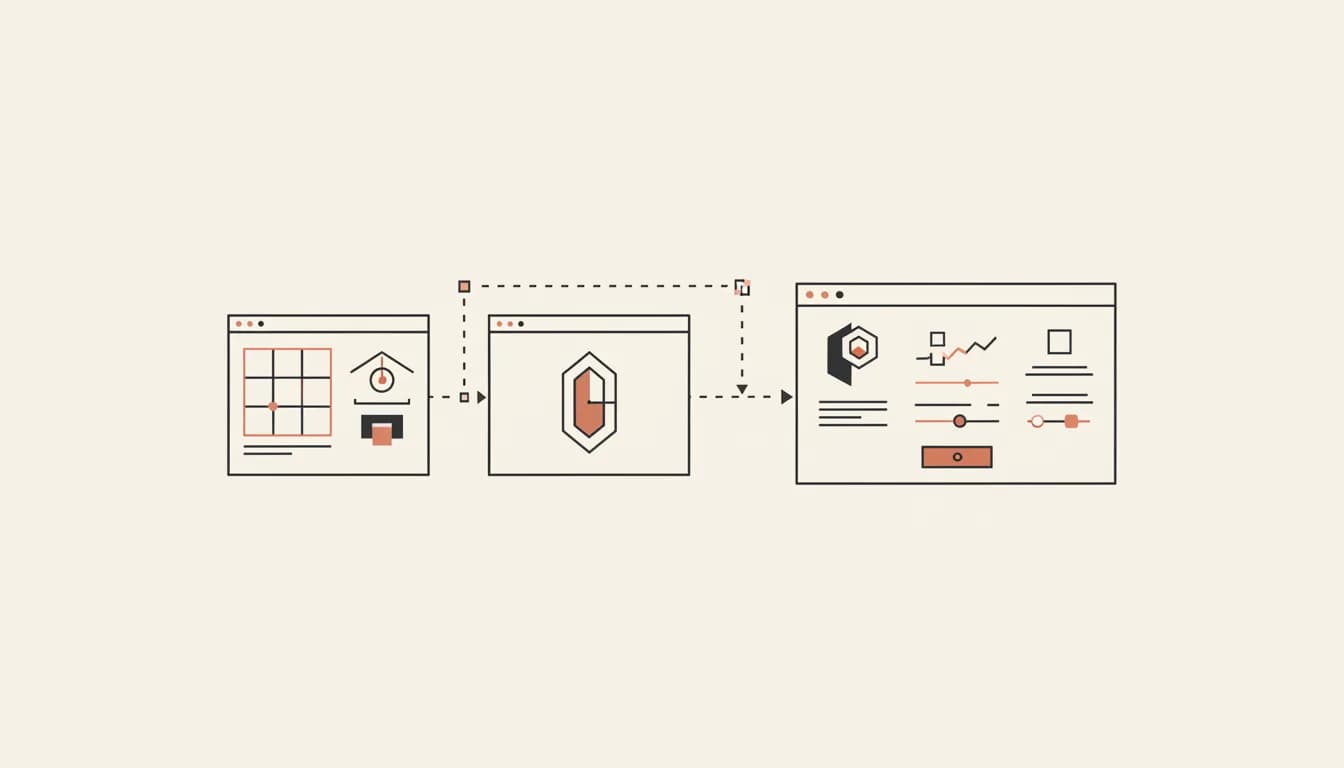
"Make my Figma a real app" is the holy grail of AI builders. The reason it has been hard is that turning a static design into a working app requires more than vision — it requires correct component decomposition, consistent design tokens, real state, and a way to keep the result maintainable. Here is how to do it well in 2026.
Three ways to start from a design
- A Figma file. Best fidelity. The agent reads real frames, components and variables — though Dev Mode specs need a Dev or Full Figma seat; a Viewer seat gets frames but no specs. See how to import a Figma design.
- A screenshot. Fast, lossy. Good for inspiration, not for pixel parity.
- A design system reference. "Match Linear's app shell" or "use the Stripe Atlas color palette." Surprisingly effective when the design language is well-known.
The Vibely flow
Start a web or mobile project, connect Figma or drop in the screenshot, and Vibely does the conversion in two phases:
- Plan phase. The agent extracts a design token set (colors, type scale, radii, shadows, spacing) and a component inventory from your input. You see this as a plan you can read and approve before any code is written.
- Build phase. The same tokens drive the generated code. Components are decomposed by repetition, not by layer name, so you do not get a thousand divs called
Group 47.
How to get a great result
1. Give it tokens, not pixels
If your Figma has named styles (color/brand/600, type/heading/lg), the agent will preserve them. If it does not, take ten minutes to define them — your future self will thank you.
2. Convert one screen at a time
"Convert this whole flow" is too many decisions for one turn. "Convert this onboarding screen" gives you a clean diff you can review.
3. Ask for the component split
Before generating code, ask: "what components would you split this into?" The agent's answer tells you whether it is going to produce something maintainable. If the split is wrong, fix it now — not after 4000 lines of JSX.
4. Wire interactions in a second pass
Designs are static. Hover, focus, loading, empty, error states — describe them after the layout is right.
Where Vibely fits for design-to-code
vs screenshot-only input
Any builder that accepts an image can approximate a screenshot. The difference with a connected Figma file is that the agent reads the variables behind your tokens instead of guessing hex values from pixels, so you can ask for a token file you edit later.
vs v0 and Galileo
v0 is great for component-level conversion. Galileo is great for early-stage exploration. Neither produces a full, deployable, multi-screen app from a design source. Vibely does, and the result lives in a real repo you can keep editing.
vs Anima and Builder.io Visual Copilot
Anima and Builder produce code, but they produce it once. Iterating means going back to Figma. With Vibely you keep iterating by prompt, and when the design changes you reimport a changed frame and ask the agent to apply the difference.
The bottom line
If your designs are the source of truth and you want the resulting app to feel hand-built, not auto-generated, try the Figma connector on one screen and judge the diff yourself. The Figma import guide covers what the connector can and cannot see.