
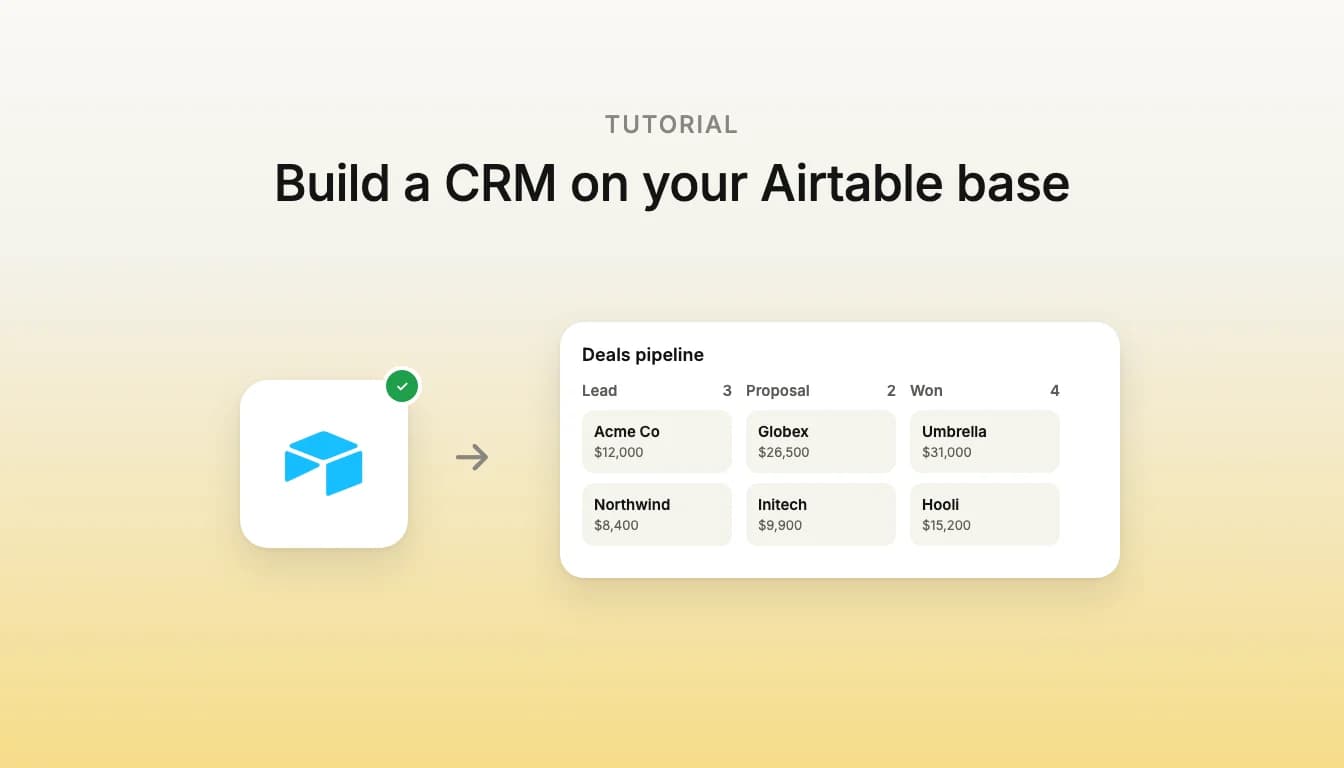
Short answer: an Airtable CRM keeps contacts, companies, deals and activities as linked records in an Airtable base. To turn it into a CRM your team works in daily, connect Airtable to Vibely and describe the pipeline: the agent builds a web or mobile app that reads and writes the same records, behind your own sign-in.
Why build a CRM on Airtable?
Because the data is often there already. Teams that outgrow a spreadsheet tend to land in Airtable: a table of leads, a table of companies, a single-select field for the deal stage. Airtable's own views and interfaces go a long way. An app on top is worth building when you want things a base is not designed for:
- a pipeline board filtered to each rep's own deals,
- a contact page that pulls the company, open deals and last touch into one screen,
- a form that logs a call and moves the deal in one step, with your own validation,
- a phone app for the people who sell in the field.
The records never leave Airtable. The app reads and writes them through the Airtable API, so a change made in the base and a change made in the app are the same change. If your team runs on HubSpot or Pipedrive instead, those connect to Vibely too.
What do you need before you start?
- An Airtable base. The layout below works well, and any base with linked tables will do.
- A Vibely Pro or Business plan. Airtable calls run through an Edge Function in your project's Supabase backend, and the Supabase integration is on Pro and Business.
- A Supabase account. Vibely creates a project in your own Supabase organization, or links one you already have.
Step 1: How should the base be set up?
Four tables cover most sales teams:
| Table | Fields that matter |
|---|---|
| Companies | Name, website, industry, owner |
| Contacts | Name, email, phone, title, a link to Companies |
| Deals | Name, value, stage (single select), expected close date, owner, links to Companies and Contacts |
| Activities | Type (call, email, meeting), date, notes, links to Deals and Contacts |
Put the stage options in pipeline order, because that order becomes the columns of the board. Linked-record fields matter most: they are how the agent knows a deal belongs to a company, and they become the joins in your app.
Step 2: How do I connect Airtable and Supabase?
- Start a project in Vibely, then connect Supabase from the Backend drawer.
- Open Customize → Connectors, find Airtable and sign in. Vibely asks Airtable to read records, create and update records, and read base schema.
You sign in once. Vibely's connector gateway keeps the Airtable token and refreshes it, and your project only ever holds a gateway key, stored as an Edge Function secret.
Step 3: What should the prompt say?
Name the base and its tables, say who uses the app, and list the screens. For example:
Build a CRM on my Airtable base "Sales" (tables: Companies, Contacts, Deals, Activities). Sales reps sign in with email. The home screen is a pipeline board of Deals grouped by Stage, showing only the signed-in rep's deals, and dragging a card changes its stage. Each deal opens a page with its company, contacts and an activity timeline, plus a form to log a call or email as a new Activity. Add a searchable Companies list and a weekly summary of deals won and lost.
The agent writes the Edge Function and an airtableFetch helper, adds sign-in, and builds the screens against your real field names. Check the board against a few deals you know before you ask for anything else.
Step 4: What changes before I publish?
Each connector's actions can be set to Always allow, Needs approval or Blocked. A published app has nobody to approve an action, so creating and updating Airtable records stays blocked until you set the connector's writes to Allow in the project's connector settings. Then publish: every plan gets a vibelyagent.com address, and Pro and Business can connect a custom domain.
Who can see and change what?
- The app acts as one Airtable account, the one that connected. Your reps sign in to your app, not to Airtable. That suits a team sharing one base. It does not give each person their own Airtable permissions.
- Your app's sign-in is the gate. The Edge Function refuses callers without a session, so CRM data is visible only to people signed in to your app. A rule like "reps see only their own deals" is a rule in your app, so ask for it to be enforced on the server, not just hidden in the interface.
- Public pages are opt-in. For a public page, such as a partner directory fed by one table, you can allow just those reads for visitors who are not signed in. Everything else stays behind sign-in.
What can I add next?
- "Add a forecast page: open deal value by stage and by expected close month."
- "Let me import a CSV of leads into Contacts and Companies, matching existing companies by website."
- "Post to our #sales channel in Slack when a deal moves to Won." This uses the Slack connector.
- "Make the pipeline a mobile app for reps, with the same sign-in." The Airtable connector works in iOS and Android apps too.
Airtable CRM FAQ
Does my data move out of Airtable?
No. Vibely does not copy your base. The app reads and writes records through the Airtable API, and the base stays the source of truth.
Can my team keep editing in Airtable?
Yes. Edits made in the base show up in the app the next time it loads those records, and edits made in the app show up in the base.
Can each rep use their own Airtable account?
Not with this connector. It runs as one shared account, which is what a team CRM usually wants. Per-person access belongs in your app's own sign-in and roles.
Should I use Airtable or a database?
Keep Airtable if your team already lives in the base and wants to keep editing there. If the app becomes the only place anyone works, a Supabase database is the sturdier home, and Vibely can build a custom CRM on Supabase from the start.
What does it cost?
Connecting Airtable is free. The Supabase integration needs a Pro or Business plan, prompts use credits when you send them, and your Airtable plan's own limits apply to the base.