
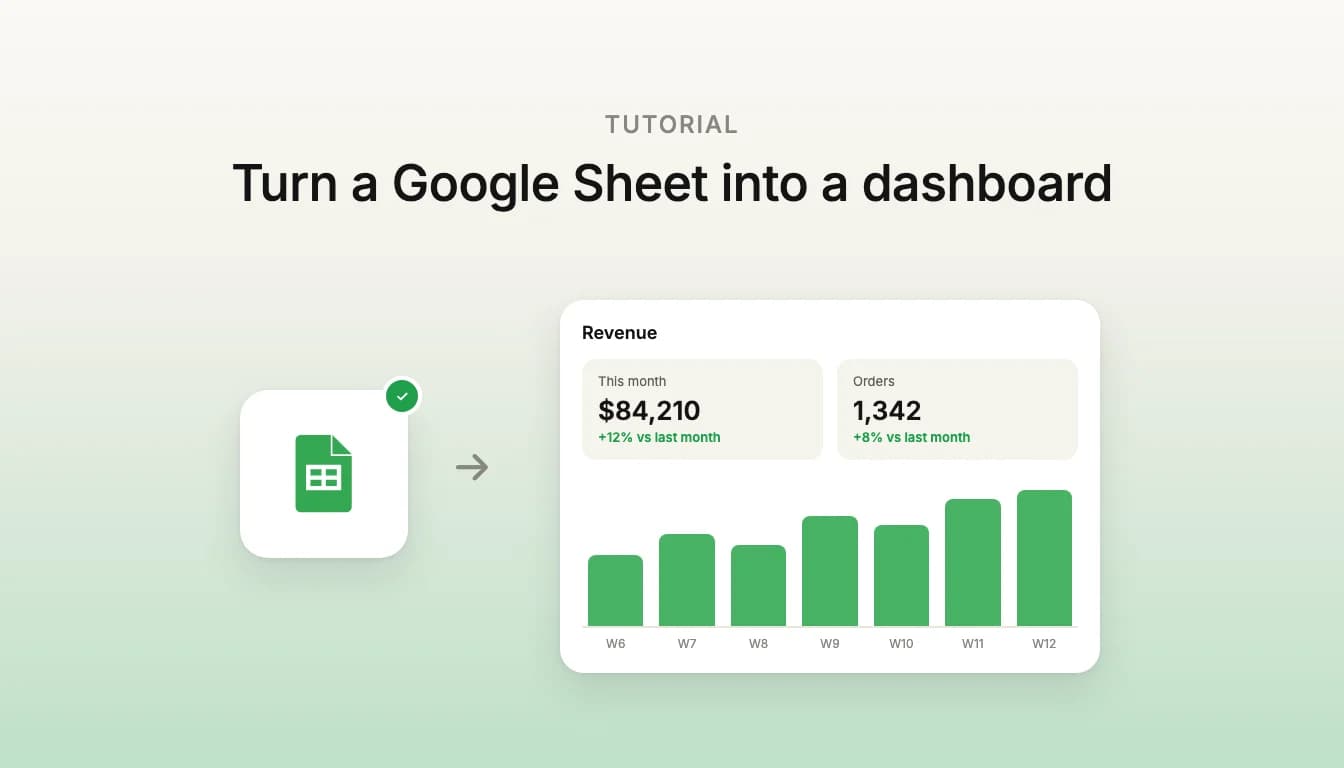
Short answer: a Google Sheets dashboard turns spreadsheet rows into KPI tiles, charts and filtered tables. You can build one inside Sheets with charts and pivot tables. For one people sign in to on the web or a phone, connect Google Sheets to Vibely and describe it: the app reads the sheet live while your team keeps editing it.
Should I build it in Sheets or as an app?
Build it in Sheets when the audience is the people who already edit the sheet. Charts, pivot tables and slicers sit next to the data, and there is nothing to deploy. Google's own guide covers that route well.
Build an app when:
- the people reading the numbers should not be able to edit the sheet,
- you want a fixed layout that works on a phone,
- the dashboard needs things a sheet cannot do, such as sign-in and roles, a form that adds rows, or data from another tool next to the sheet's.
If the data lives in a database rather than a sheet, see building a custom analytics dashboard instead.
What do you need before you start?
- A Google Sheet, laid out as in step 1.
- A Vibely Pro or Business plan. Sheets calls run through an Edge Function in your project's Supabase backend, and the Supabase integration is on Pro and Business.
- A Supabase account. Vibely creates a project in your own Supabase organization, or links one you already have.
Step 1: How should the sheet be laid out?
- One table per tab, with one header row and one record per row.
- No merged cells inside the table, and no totals rows mixed in with the data. Let the dashboard do the totals.
- Dates as real dates and numbers as numbers, not text, so they sort and add up.
- Stable column names. The agent builds against your headers, so renaming a column later means asking it to update the app.
Step 2: How do I connect Google Sheets?
- Start a project in Vibely and connect Supabase from the Backend drawer.
- Open Customize → Connectors, pick Google Sheets and choose how to connect it.
- Choose the permissions and sign in with Google. For a dashboard, read-only access to your spreadsheets is enough, and Vibely asks Google only for what you leave ticked.
There are two ways to connect:
- App + chat connector. One shared Google account. The dashboard reads the sheet as that account, and Vibely uses it while building. This is the right choice for a team dashboard over one company sheet.
- App user connector. Each person using the dashboard signs in with their own Google account, through your own Google OAuth client, and works with the sheets their account can open.
Step 3: What should the prompt say?
Paste the sheet's link, name the tabs and columns, and say what someone should see first. For example:
Build a sales dashboard from this Google Sheet: [link]. The Orders tab has Date, Region, Product, Units and Revenue. Show revenue this month against last month as KPI tiles, a line chart of weekly revenue for the last 12 weeks, a bar chart of revenue by region, and a table of the top 10 products with a date range filter. Team members sign in with email.
The agent reads the ranges it needs, writes the Edge Function and a googlesheetsFetch helper, and builds the charts against your real columns. Check one number against the sheet before you ask for anything else.
Who can see the dashboard?
Only people signed in to your app. Spreadsheet data is private to the account that connected it, so Vibely never serves it to visitors who are not signed in, and the connector gateway refuses that call even if the app makes it. A public dashboard that anyone can open without signing in is not something this connector does.
How fresh is the data?
The app reads the sheet through the API rather than keeping a copy, so an edit in Sheets shows up the next time the dashboard loads its data. If the page should refresh on a timer while it stays open, say so in the prompt.
What can I add next?
- "Add a form that appends a new order to the Orders tab." Writing needs full Sheets access when you connect, and on a shared account the published app's writes stay blocked until you set them to Allow in the project's connector settings.
- "Add a page comparing this month's revenue by region with the same month last year."
- "Add a Targets tab and show each region's revenue against its target."
- "Make the dashboard a mobile app for the team, with the same sign-in." The Google Sheets connector works in iOS and Android apps too.
Google Sheets dashboard FAQ
Does Vibely copy my spreadsheet?
No. The app reads the sheet through the Google Sheets API, and the sheet stays the source of truth.
Can I use more than one sheet?
Yes, as long as the connected Google account can open each one. Give the agent each sheet's link and say how they relate, for example orders in one and targets in another.
Can people who are not signed in see it?
No. Sheet data is only served to people signed in to your app.
What does it cost?
Connecting Google Sheets is free. The Supabase integration needs a Pro or Business plan, and prompts use credits when you send them.