
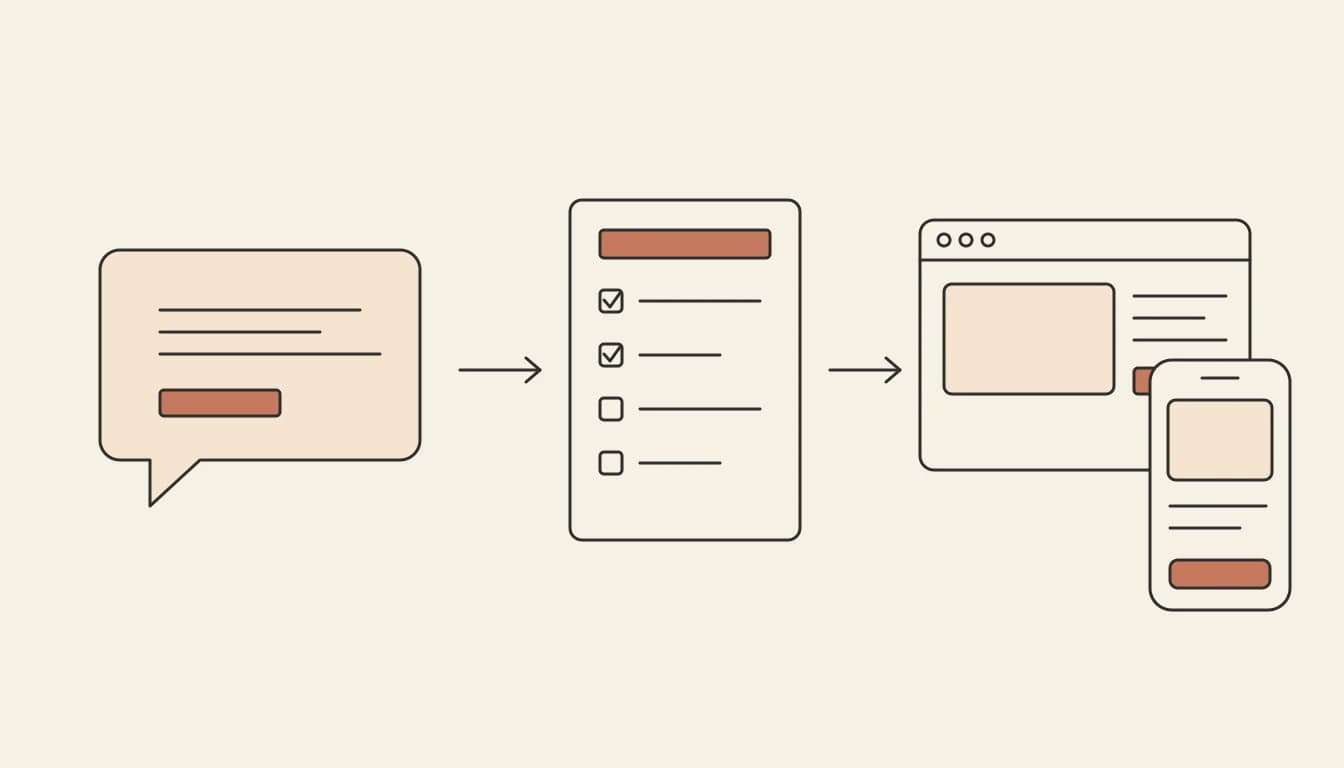
Building an app with ChatGPT works best when ChatGPT does the planning and something else runs the result. ChatGPT can design the screens, write a spec and produce the code, but it does not host your app, store its data or publish it to the App Store. That last part needs an app builder or your own setup.
Can you build an app with ChatGPT?
Yes, with one distinction. ChatGPT can write the code for a whole app and preview simple pieces of it in the chat: OpenAI's help centre lists HTML pages and React components among the code blocks it can preview (OpenAI: writing blocks and code blocks). What it does not give you is an app other people can use. There is no server running your code for visitors, no database holding their data, no sign-in, and no build that Apple or Google will accept.
So the question is not whether ChatGPT can build an app, but which parts you hand it and where the rest happens.
What ChatGPT does well, and where it stops
| Part of the job | ChatGPT on its own | What else you need |
|---|---|---|
| Plan the app and write a spec | Yes, and it is good at it | Nothing |
| Write the code | Yes, file by file | A place to put the files together |
| Preview a page | Some code blocks, in the chat | A real preview for a multi-page app |
| Run it for other people | No | Hosting and a URL |
| Store data and sign people in | No | A database with sign-in, such as Supabase |
| Publish to the App Store and Google Play | No | Native builds and developer accounts |
| Keep it working as it grows | You paste errors back in | Something that runs and checks every change |
How to build an app with ChatGPT, step by step
1. Ask ChatGPT for a one-page spec
Start with the problem, not the screens. Tell ChatGPT who the app is for, what they do in it and what they should never have to do. Then ask for a spec you could hand to someone else:
I want an app for a small yoga studio. Members book a class, see their bookings and cancel up to 12 hours before. The owner adds classes and sees who is coming. Write a one-page spec: the screens, the data each screen needs, who can see what, and what the first version leaves out.
2. Cut it down to a first version
Ask ChatGPT which three screens prove the idea and move everything else to a "later" list. A first version that works beats a complete one that never ships.
3. Choose where the app will run
This is the fork in the road.
- Run the code yourself. Copy ChatGPT's files into a project on your computer, install the tools it names, set up a database and pick a host. This suits developers, and you will paste a lot of errors back into the chat.
- Paste the spec into an AI app builder. Vibely takes the same spec and builds the app: React and TypeScript for the web, or an Expo app for iOS and Android. Every change is type-checked and built before it finishes, and the app gets a live preview from the first build.
4. Add data and sign-in
A booking app needs to remember bookings and know who is booking. In Vibely that comes from the Supabase integration, on paid plans from Lite at $10 a month: the agent creates the tables, the sign-in and the row-level security rules that decide who can read each row, in a Supabase project you own. See database and auth.
5. Change it by describing what you want
Keep using plain words, in ChatGPT or in the builder. In Vibely you can also point at anything in the preview and say what should change, which is often faster than describing where it is. See visual edits.
6. Publish it
A web app goes to a live HTTPS address in one click, free on a vibelyagent.com address and on your own domain from Lite. Publishing uses no credits.
Can you build an iOS or Android app with ChatGPT?
ChatGPT can write Swift, Kotlin or React Native, but a phone app also has to be built, signed and uploaded, which normally means Xcode, Android Studio or a cloud build service. Vibely builds the app with React Native and Expo, and you can try it on your phone in Expo Go on every plan. From Lite it runs the native builds and uploads them to TestFlight and Google Play internal testing; you submit for review from your own developer accounts (Apple’s fee is $99 a year and Google’s $25 once). For the full path, read how to build a mobile app from a prompt.
Build your app from inside ChatGPT
If you would rather not leave the chat, connect ChatGPT to the Vibely MCP server. You sign in with OAuth, choose what ChatGPT may do, and it can create, edit, review and publish your Vibely apps through 52 tools. Only three of them (creating a project, sending a message and approving a plan) use credits.
Build an app for ChatGPT
Some searches mean the opposite: an app people use from inside ChatGPT. Vibely's agent integrations add an MCP server at /mcp to a published web app, with one tool for each action the app already does, so your users can search, create or update things in your app from ChatGPT, Claude or Cursor. It works on every plan, for web projects.
Can you build an app with ChatGPT for free?
You can plan and write it for free with ChatGPT's own plans (see OpenAI's pricing page for what each includes). To get it live without paying, Vibely's Free plan costs $0 with 5 credits a month and no credit card, builds web and mobile apps, and publishes web apps to a vibelyagent.com address. The database, sign-in, custom domains and store publishing start on Lite.
Frequently asked questions
Can ChatGPT make a full app by itself?
It can write all of the code, but it cannot run the app for other people, store their data or publish it. Those parts need hosting and a database, or a builder that provides them.
Is code from ChatGPT safe to ship?
Treat it like code from a new teammate: run it, test it and review anything that touches sign-in, payments or personal data. Vibely runs a basic security scan on every publish and a deep scan of dependencies and row-level security, both free. Read how to secure a vibe-coded app for the checks to do by hand.
Should I use ChatGPT or an AI app builder?
Use both. ChatGPT is a good place to think the app through and write the spec. A builder is where the spec becomes something people can open, because it handles the running, the data and the publishing that a chat cannot.
Next step: paste your ChatGPT spec into Vibely and see the first version running in a few minutes.