
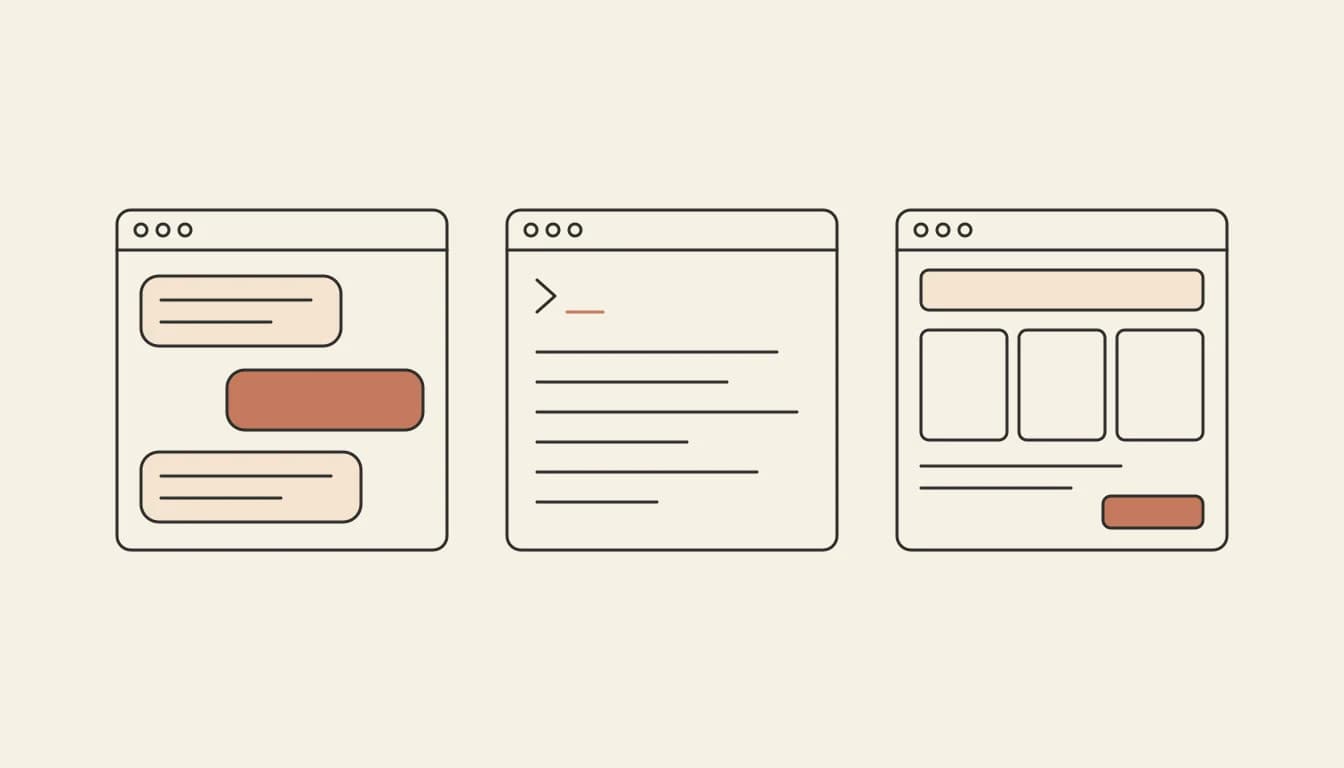
Building an app with Claude can mean three things: an artifact in the chat, Claude Code working on a project on your computer, or a builder that hosts the app for you. The right one depends on whether you want a quick tool, you write code, or you want a published app with real users.
Three ways to build an app with Claude
| Way | What you get | What you need | Best for |
|---|---|---|---|
| A Claude artifact | An interactive page or tool inside Claude | A Claude account; so do the people you share it with | A quick tool for you or your team |
| Claude Code | Changes to a codebase on your machine or in the cloud | A Claude subscription, a project, and your own hosting and database | Developers |
| An AI app builder | A published web or mobile app | A description of the app | An app other people sign in to |
Way 1: build a quick tool as a Claude artifact
Ask Claude for the tool in the chat ("a calculator for my freelance rates", "a tracker for our team's reading list") and it builds an interactive artifact next to the conversation. You change it by asking. Two limits matter. Anthropic's help centre says people need a Claude account to open an artifact you share, except legacy artifacts published from a chat, and some artifacts keep shared data that everyone who opens them can see (Claude: share artifacts). That makes artifacts good for tools inside a team, not for an app you launch to customers.
Way 2: build an app with Claude Code, step by step
Claude Code is Anthropic's agentic coding tool: it reads your codebase, edits files and runs commands, in a terminal, an IDE, a desktop app or the browser, and most of those need a Claude subscription or an Anthropic Console account (Claude Code overview). It is the right choice if you are comfortable with a codebase. The steps:
- Install it and open a project folder. The overview page has the install command for each system.
- Write down what you are building. Claude Code reads a
CLAUDE.mdfile in your project root at the start of every session. Put the app's purpose, the stack you chose and the rules it should follow there. - Ask for a plan before code. Have it propose the screens, the data model and the order of work, and correct the plan before anything is written.
- Build in small steps. One screen or one feature at a time, running the app after each.
- Choose a database and a host. Claude Code works on your code; the database, sign-in and hosting are yours to pick and pay for.
- Deploy and keep going. Commit as you go, so any change can be undone.
Way 3: describe it to Vibely and skip the setup
If you want the app live without choosing a stack, Vibely does the setup. You describe the app; it writes React and TypeScript for the web or an Expo app for iOS and Android, type-checks and builds every change, and publishes to a live URL. From Lite at $10 a month it also connects a Supabase project you own for the database and sign-in.
- Describe the app the way you would to a friend: who uses it and what they do.
- Review a plan, if you want one. Plan mode writes a plan you edit and approve before any code changes.
- Try it. Click through the preview, or scan the QR code to run a mobile app in Expo Go on your phone.
- Change it by asking, or by pointing at the part of the preview that should be different.
- Publish in one click. Publishing uses no credits.
Use Claude and Vibely together
You do not have to choose. The Vibely MCP server lets Claude and Claude Code build, edit, review and publish your Vibely apps. In Claude, add it under Settings, Connectors, Add custom connector, with the URL https://api.vibely.sh/mcp. In Claude Code, run claude mcp add --transport http vibely https://api.vibely.sh/mcp. You sign in with OAuth and choose its permissions; of its 52 tools, only three use Vibely credits.
Can I build an app with Claude for free?
Check Anthropic's pricing page for what each Claude plan includes; Claude Code needs a Claude subscription or an Anthropic Console account on most surfaces. If you want a free way to publish, Vibely's Free plan costs $0 with 5 credits a month and no credit card, builds web and mobile apps, and publishes web apps to a vibelyagent.com address.
How to build an iOS app with Claude Code
Claude Code can write a SwiftUI app, but building and running it needs Xcode, which runs on a Mac, and publishing needs an Apple Developer account at $99 a year. A cross-platform route avoids the Mac requirement for building: an Expo app compiled in the cloud. That is what Vibely makes, with the cloud builds and the TestFlight upload included from Lite. Read how to make an iOS app and React Native vs Swift for the trade-offs.
Frequently asked questions
What is the best way to build an app with Claude Code?
Write the plan down first, in CLAUDE.md or a spec file, and build one small piece at a time. The same habit helps in any AI tool; our post on vibe coding, agentic coding and spec-driven development explains why.
Can Claude build a whole app from one prompt?
It can write a lot from one prompt, but a real app needs a database, sign-in and hosting, and those are choices outside the code. A builder makes them for you; with Claude Code you make them yourself.
Do I own the code?
With Claude Code the code is in your own project. With Vibely you can download the code on every plan or sync it both ways with your own GitHub repository from Lite.
Next step: describe your app in Vibely, or connect it to Claude with the MCP server and build from the chat.