
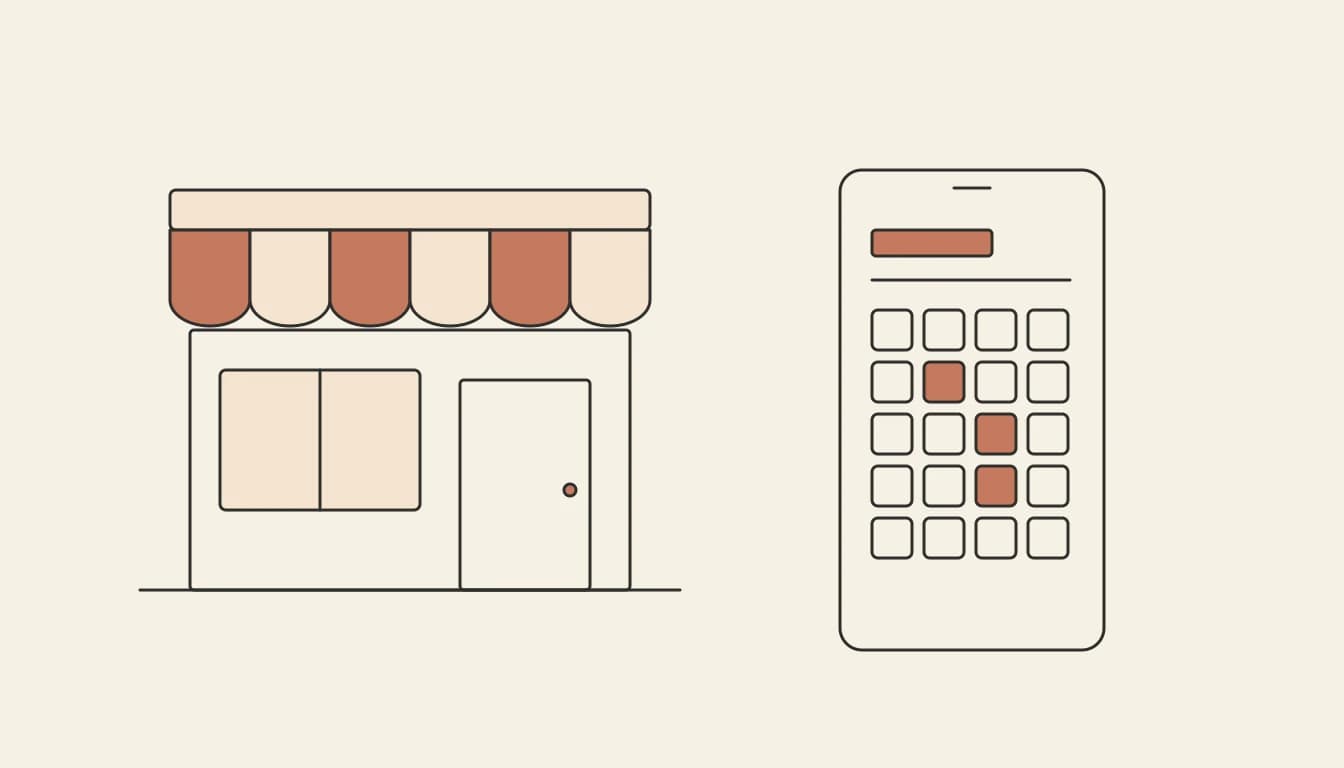
You can now build a Shopify storefront with AI in Vibely, and connect Shopify to your app in one click. Vibely is an AI app builder: describe the shop you want, connect your store, and it builds a custom, headless Shopify storefront on your real products, with Shopify's own checkout.
Until now, connecting a Shopify store to a Vibely app meant making a custom app in your Shopify admin and pasting three values into the chat: the store's domain, a Storefront token and an Admin API token. It worked, but it was the one place in Vibely where you had to go and copy keys.
Today that's gone. Shopify connects the way every other connector does: from a card in the chat, with a sign-in on Shopify's side, and nothing to copy.
How to connect Shopify to your app
- Ask for a store. Tell the agent what you want to sell, or ask it to put your Shopify products in the app. The first time, it asks whether it may use Shopify in this app: Allow, Always allow, or Decline.
- Connect from the card. A Shopify card appears in the chat, the same card our other connectors use. Type your store's address (
your-store.myshopify.com) and click Connect. - Approve Vibely on Shopify. Shopify opens in a window, asks you to install Vibely on your store, and sends you back. The card turns to Store connected and the agent carries on.
Build a headless Shopify storefront with AI
- Build the storefront: a headless Shopify storefront on the Storefront API, from your real catalogue: product pages, collections, a cart and Shopify's own checkout, where Shopify takes the payment.
- Manage the store from the chat: add or edit products and variants, organise collections, upload product images and create discount codes.
- Keep your keys safe. Vibely keeps the store's admin access on its own servers. It never goes into your app's code, its sandbox or the published site. The app gets only a Storefront key, which Vibely creates for it and which is meant to be public.
Manage your Shopify connection
Open More › Payments in your app to see the connected store and its product count, open its Shopify admin, or disconnect it. If Shopify's session for your store ends, the agent shows the same card with a Reconnect button the next time it needs the store.
Shopify and Vibely: good to know
- You need a Shopify store already. Vibely connects an existing store; it can't create one for you.
- An app connected to a store can't be remixed until the store is disconnected, so a copy of your app never carries your store's access.
- The old way still works for anyone who prefers it: a custom app's tokens can still be added from the chat.
Try the Shopify AI app builder
Open a web app in Vibely, ask the agent to "turn this into a shop for my Shopify products", and connect your store from the card. In a few minutes you have a custom Shopify storefront built with AI, on your own products, ready to publish.