About this template
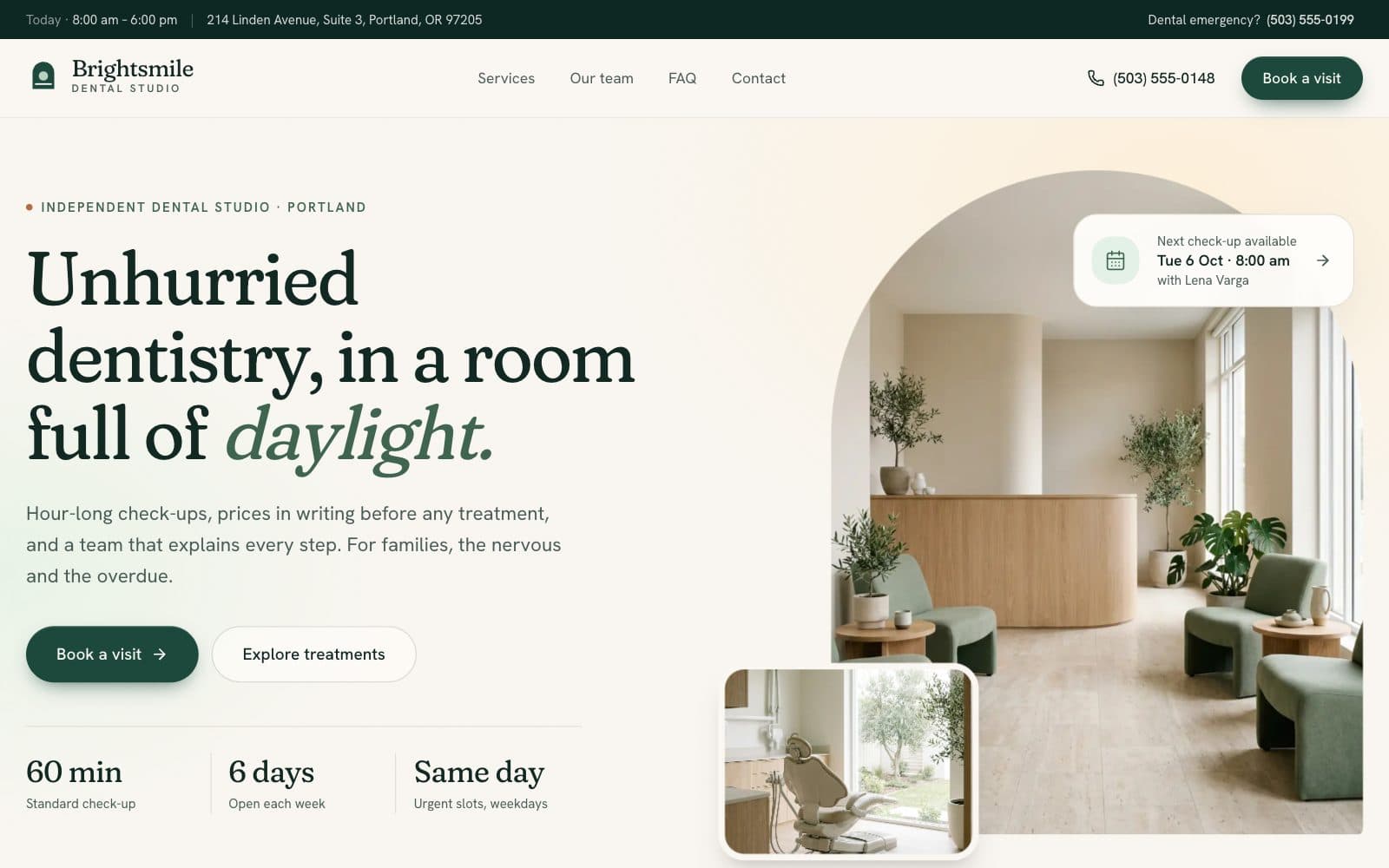
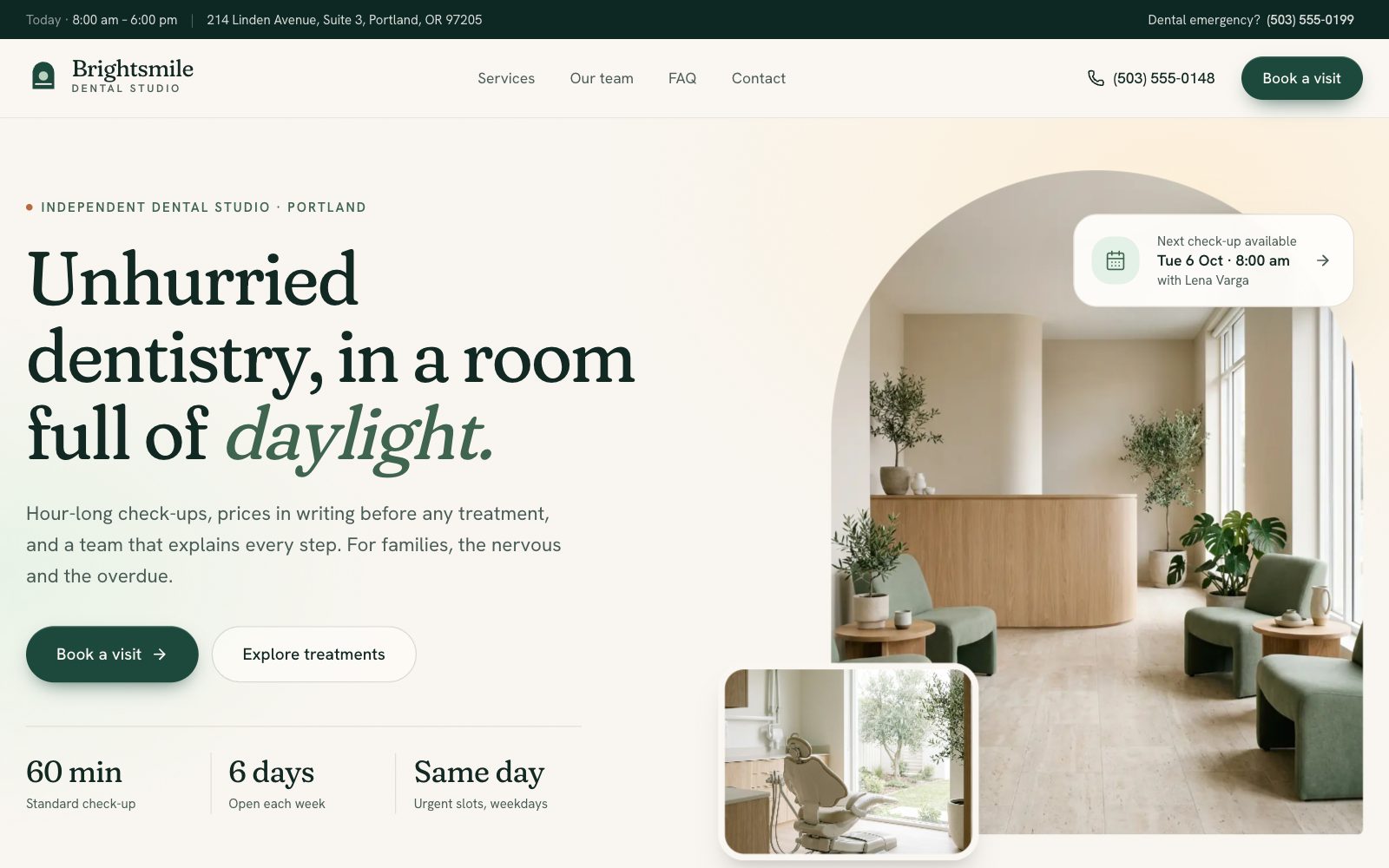
A calm, daylit website for a dental clinic that takes real appointment requests: choose a treatment, pick a clinician or let the diary choose, select a day and a time, and leave your details. Six treatment pages, five team profiles, an FAQ and a contact page with hours come with it.
The time slots are generated, not hard-coded. Each one is computed from the clinic's opening hours, lunch breaks, the appointment length of the chosen treatment and the days each clinician works, and a seeded hash marks some as already taken — so the grid looks like a live diary and is identical on the server and in the browser. Requests you make are subtracted from it, so the same time can't be requested twice.
The booking form changes with the patient. Existing patients must give a date of birth so the front desk can find their records; new patients can skip it. Requests are saved in the browser through a provider with a hydration guard, listed under My appointments, and can be cancelled or exported to a calendar file. Each treatment page carries what it is, the steps, aftercare, a price range in whole cents and its own FAQ.
Designed for
- Dental practices that want online appointment requests without a booking platform
- Clinics replacing a dated site with clear treatment pages and prices
- Agencies building sites for local healthcare businesses
- Developers who need a slot picker that behaves like a real diary
Key highlights
- Three-step booking
- Week calendar
- Generated time slots
- Clinician choice
- New or existing patient
- My appointments
- Treatment pages
- Team profiles
- Opening hours
Features & capabilities
Three-step booking
Treatment, day and time, then details — with a progress stepper, a running summary and a thumb-reach action bar on phones.
Generated time slots
Built from opening hours, breaks, appointment length and each clinician's days, seeded so server and browser agree.
Choose a clinician or any
Book a named dentist or hygienist, or pick any and see who each open time belongs to.
New or existing patient
One react-hook-form and zod schema that requires a date of birth only for returning patients, with inline errors.
My appointments
Requests persist to localStorage behind a hydration guard, can be cancelled, and export to a calendar file.
Treatment pages
What it is, the steps, aftercare, price range in whole cents and an FAQ for each of six treatments.
Hours and directions
Opening hours with today highlighted, transport and parking notes, and a drawn map placeholder ready for a real embed.
Accessible by default
Labelled native radios for every choice, visible focus rings, a skip link and AA-contrast tokens.
Best use cases
Dental practice
Treatments, prices, the team and online appointment requests at your own URL, with nothing to pay per booking.
Physiotherapy or chiropractic
Swap treatments for session types and the slot picker, clinician choice and intake form carry over unchanged.
Dermatology or aesthetics clinic
Treatment pages with steps, aftercare and price ranges suit consultations and procedures alike.
Any appointment-based clinic
Opening hours, clinician working days and appointment lengths all drive the same slot generator.
Conclusion
A clinic website has one job beyond looking trustworthy: getting someone from 'I should book that' to a requested time. The slot logic, the conditional intake form and the appointment list are the parts that take longest to get right, and they are already built here.
Read the use case: a booking and scheduling systemHow templates and remix work