
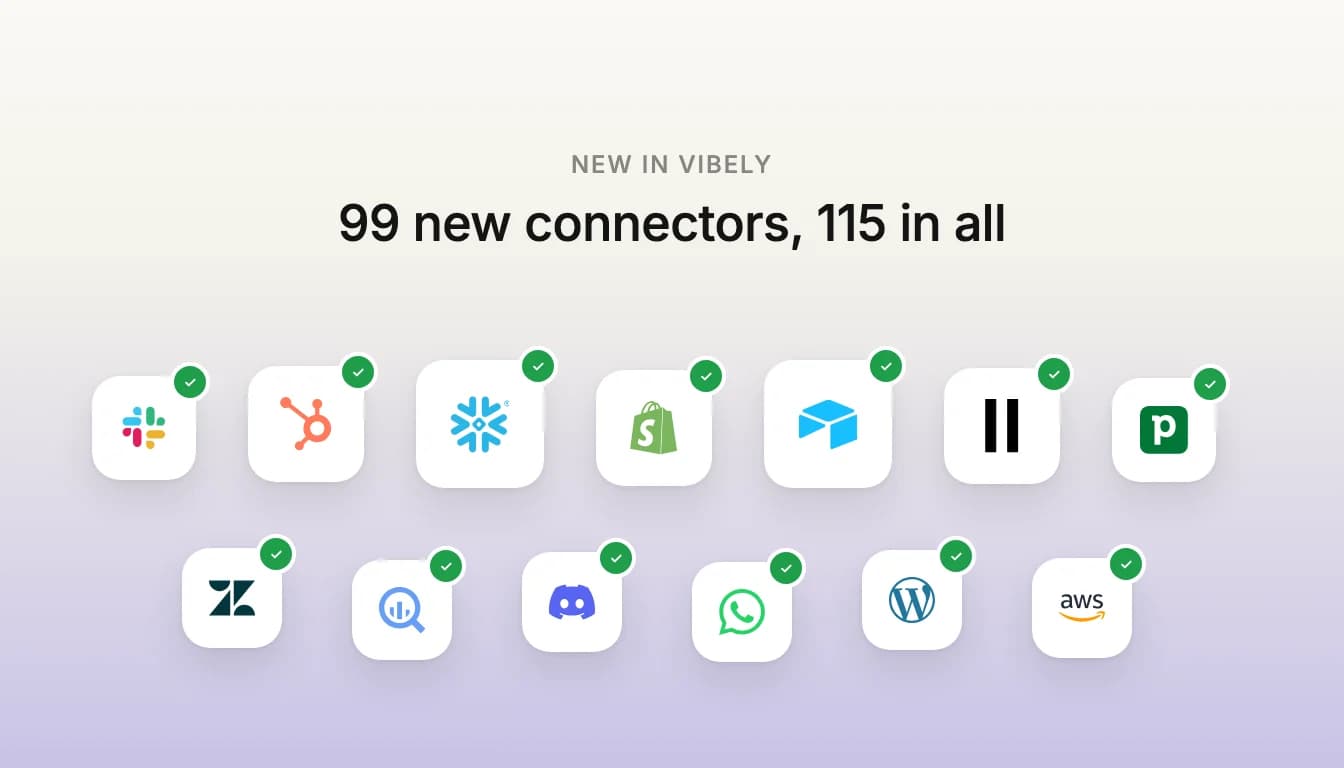
Short answer: Vibely now has 115 connectors, up from 16. The 99 added today cover sales and support, messaging, data warehouses and BI, commerce and finance, content, AI models and cloud platforms. Most connect with your own API key, five with a single sign-in, and seven work in chat over MCP. Each has its own page in the connector directory.
Which connectors are new?
- Sales and support. HubSpot, Pipedrive, Zendesk, Apollo.io, Gong, Attention, Clay and Ashby.
- Messaging, email and push. Slack, Outlook, Discord, Telegram, WhatsApp Business, Twilio, Resend, Brevo, Mailgun, Loops, Klaviyo, beehiiv, GatewayAPI, Firebase Cloud Messaging, Twitch and X (Twitter).
- Databases and warehouses. Snowflake, BigQuery, Databricks, ClickHouse, MotherDuck, Neon, Oracle Autonomous AI Database, IBM Db2, Microsoft Fabric, Amazon Redshift, Amazon Athena and Amazon S3.
- Analytics and BI. PostHog, Google Analytics 4, Amplitude, Power BI, Looker, Metabase, Qlik Cloud, GoodData, Omni, dbt Semantic Layer, Semrush, Bing Webmaster Tools and, in chat, Hex.
- Commerce and finance. Shopify, WooCommerce, PrestaShop, Lightspeed Retail, Chargebee, Ramp, Wave, sevdesk, Lexware Office, Pledge and, in chat, Polar.
- Content and sites. Contentful, Sanity, Storyblok, WordPress and Wix.
- Work and productivity. Microsoft 365, Airtable, Asana, Calendly, Tally, Fireflies, Granola, incident.io, Google Maps and Mapbox, plus Wispr Flow and n8n in chat.
- AI, search and media. ElevenLabs, Replicate, Fireworks AI, Perplexity, Firecrawl, Apify, Parallel, Algolia, KLIPY, Logo.dev, Gemini Enterprise and, in chat, HeyGen.
- Cloud and developer tools. AWS, Azure, Microsoft Graph, Google Cloud, Cloudflare, GitLab, Sentry and Inngest, plus Atlassian (Jira and Confluence) and Excalidraw in chat.
How does each connector connect?
There are three kinds, and each connector's page says which one it is and exactly what it asks for.
- Your own API key (87 connectors). You enter the key, token or service account the vendor gives you. Secret values are stored as Edge Function secrets in your project's Supabase backend and never ship in the app. Publishable ones, like a Mapbox public token, go in the app's environment. The agent writes the Edge Function and a typed helper, and the app calls the vendor through it.
- One sign-in (Slack, Microsoft 365, Outlook, HubSpot and Airtable). You sign in once, and Vibely's connector gateway keeps the token and refreshes it. Everyone using your app acts through that one connected account, so these suit team tools and internal apps.
- In chat, over MCP (Atlassian, Hex, HeyGen, Polar, Wispr Flow, Excalidraw and n8n). These connect to the vendor's own MCP server. Vibely's agent uses them while it builds, to read your Jira issues or draw a diagram, for example. They are not part of the apps you publish.
What does an app need before it can use one?
For nearly every app connector, a connected Supabase project. App connectors run through an Edge Function in your project's Supabase backend, which is where the secrets live, and the Supabase integration is on the Pro and Business plans. The exceptions are Mapbox, Storyblok and KLIPY, which only take a publishable key that the app uses directly. Chat connectors need nothing from your project.
Two more things to know for the sign-in connectors. The Edge Function only answers people signed in to your app, unless you open specific reads to public pages, which private data like mail and chat never allows. And a published app's writes and sends stay blocked until you set them to Allow in the project's connector settings, because a live app has nobody to approve an action.
How do I connect one?
- Find it. Open Customize → Connectors and search, or browse the public directory.
- Connect Supabase first if the connector runs through an Edge Function.
- Connect. Enter the credentials the dialog asks for, or sign in. Vibely checks the credentials with the vendor before saving them, so a mistyped key fails here rather than in your app.
- Ask for what you want. Describe the app in the chat and name the connector. Each connector's page has example prompts to start from.
Does connecting cost credits?
No. Connecting is free, and the calls your published app makes run on your own key or account, so the vendor bills you for its API the way it normally would. Prompts use credits when you send them, the same as always.
Where do I start?
Two walkthroughs use connectors end to end: how to build an Airtable CRM and how to build a Google Sheets dashboard. Or open the connector directory and pick the tool your team already runs on.